
An in-feed ad and a skippable in-stream ad can run the same video to the same audience and grow a channel differently. The difference is what the viewer was doing a second earlier, what Google bills, and where the viewer is when they can subscribe.
Every rule below comes from Google’s own ad documentation and YouTube Help, read on November 13, 2026, with each page linked where it is used.
What is the difference between in-feed and in-stream ads?
An in-feed ad is a thumbnail and a line of text placed among the videos people browse and search, and nothing plays until someone chooses it. A skippable in-stream ad plays before, during or after a video the viewer already picked, and they can skip it after five seconds. In-feed asks for a click. In-stream asks for attention.
Where each one shows. Google’s video ad formats page puts in-feed ads in search results, beside related videos, on the mobile Home feed and atop the app’s Subscriptions tab. Skippable in-stream ads play on watch pages and on Google video partner sites and apps.
| in-feed ad | skippable in-stream ad | Shorts ad | |
|---|---|---|---|
| What the viewer was doing | browsing or searching, then tapped your thumbnail | starting a video they chose | swiping through Shorts |
| When Google bills a view | the click loads your watch page, or 10 seconds of inline autoplay | 30 seconds, the end of a shorter video, or a click | 10 seconds, the end, or a tap, like, comment or share |
| Where the paid view happens | on your own watch page | in the ad slot before someone else’s video | in the Shorts feed |
| What has to win | thumbnail, headline and description | the first five seconds | the first swipe |
| Length | no maximum | no maximum, under 3 minutes recommended | under 60 seconds recommended |
The old name is still searched. Google renamed YouTube video discovery ads to in-feed video ads on November 17, 2021. Since October 2025 its reports call a paid view a “TrueView view” in every format.
In-feed asks a viewer to choose your video. In-stream asks a viewer to keep watching it.
Which format turns more viewers into subscribers?
Per paid view, in-feed. Google counts an in-feed view only when the viewer clicks your thumbnail and the watch page loads, so every view you pay for is a person standing under your video, one tap from the subscribe button, with your channel name, your comments and your next upload in sight. An in-stream view is 30 seconds in an ad slot.
Google’s own wording. Asked whether a click on the in-feed thumbnail counts, the video metrics page answers: “No. It only increments the TrueView view count after the watch page loads.”
In-stream earns subscribers another way. Its viewers were not looking for you. The ones who stay past the skip button gave your video 30 seconds before the one they came for, and that is a strong sign the audience fits.
- Earned subscribers count for both. Google credits the ad with subscriptions a viewer makes on your linked channel within 7 days of the paid view, and does not charge for them.
- The button can sit on the ad itself. When ads are optimized for channel subscriptions, “the call-to-action (CTA) button is replaced with a subscribe button” (Google’s YouTube engagements page).
- Signed-in viewers only. Those ads skip signed-out viewers and video partner sites, because “signed-in YouTube viewers are the ones most likely to subscribe or watch more videos on the channel.”
That is the job Sprizzy is built for. It tests more than 200 combinations of keywords, channels and demographics, then moves your budget to the ones that earn subscribers at the lowest cost, with real viewers only.
In-feed pays for a viewer on your watch page. In-stream pays for a stranger who gave your video 30 seconds first.

When does an in-stream ad beat the feed?
When your first five seconds can stop a stranger. In-stream puts your video in front of people who were not searching for it, and you pay only for those who watch 30 seconds, reach the end of a shorter video, or click. Everyone who skips before that saw your opening and cost you nothing.
A worked example on Google’s numbers. Google’s metrics page puts the average in-stream view rate, views divided by impressions, at “about 10-15%” across all industries. At that rate, 1,000 in-stream impressions bill 100 to 150 views.
The other 850 to 900 people heard your hook and moved on, free. For a video whose opening sells it, that is reach paid for only when it works.
- The hook needs no title. The viewer never saw your thumbnail, so the first sentence has to say why they should keep watching.
- The video is short. Google sets no maximum length for skippable in-stream ads and recommends under three minutes.
- The audience is not searching. A new artist, a new series or a narrow hobby is found by watching, not by typing.
- It runs longer than 10 seconds. YouTube Analytics counts views from skippable ads “longer than 10 seconds” when they are watched for 30 seconds or to the end (YouTube Help).
Where do Shorts ads fit in?
Shorts ads play between Shorts in the vertical feed, look like an organic Short, and can be swiped away at any moment. Google bills a view at 10 seconds or the end of the video, whichever comes first, or when a viewer taps the call to action, likes, comments or shares. A swipe back to the same ad is not counted twice.
Google is direct about expectations: “The Shorts watch experience is inherently different from in-stream because all content (organic and ads) is immediately swipeable.” It expects Shorts metrics “to vary from current in-stream expectations.”
- Organic Shorts views count at play. An organic Shorts view is counted “as soon as the video starts to play or replays.”
- Earned Shorts views wait 10 seconds. A Shorts view that Google credits to your ad as earned is counted after 10 seconds of watching.
- Vertical and brief wins. Google recommends Shorts ads under 60 seconds, and they serve on phones, tablets, desktop and TV screens.
A Shorts ad is judged in the first swipe, so the first frame is the thumbnail.
What does each format need from your video?
Each format is won at a different moment, so the same upload can lose in one slot and win in another. In-feed is won by the thumbnail and text before anything plays. In-stream is won by the first five seconds. Shorts is won before the viewer’s thumb moves, because they can swipe away immediately.
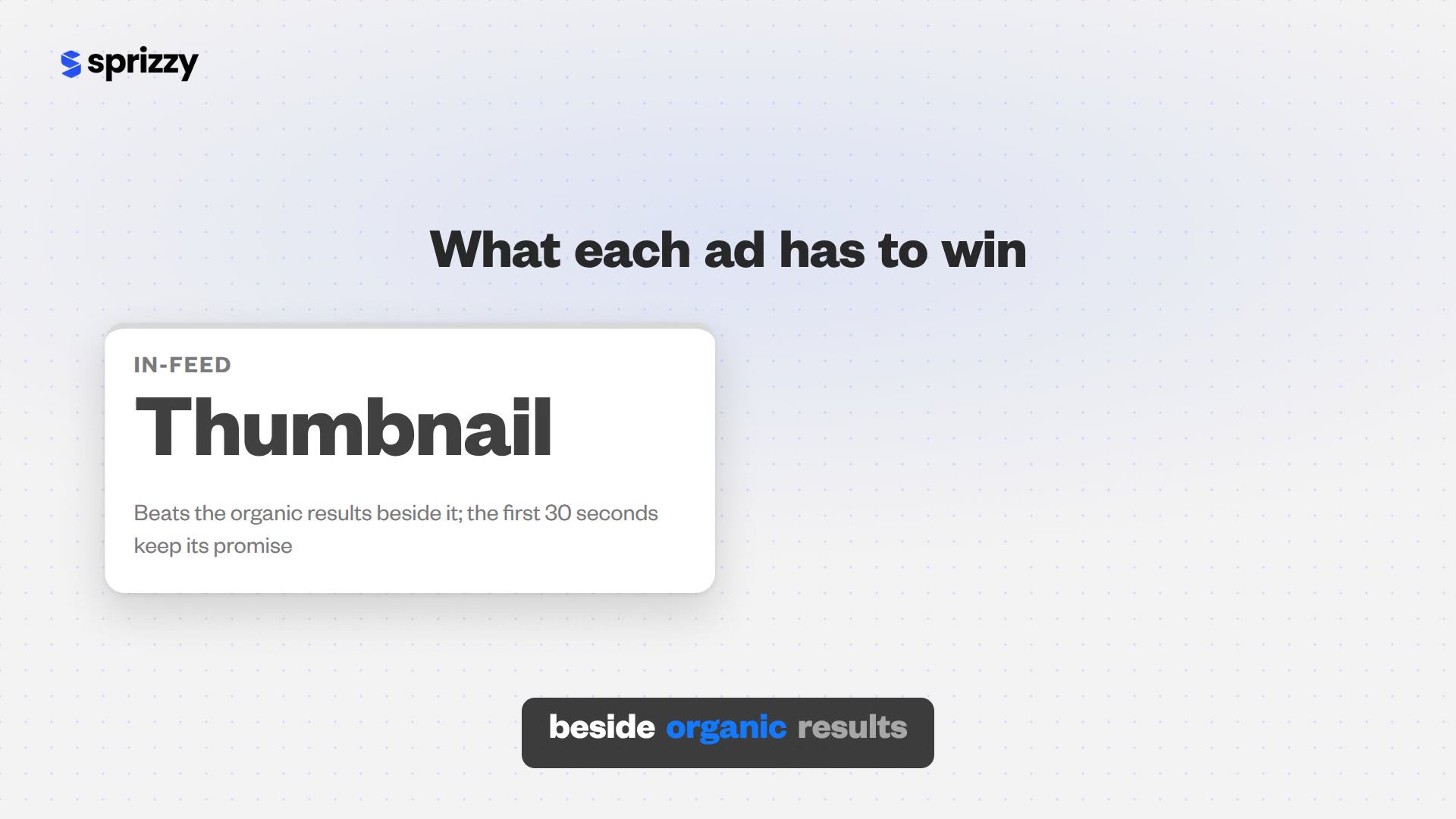
- In-feed: a thumbnail that wins the row. Your ad sits beside organic results for the same search. It also carries a long headline and a description, two fields Google lists as “available for in-feed video ads” (Google’s video campaign page).
- In-feed: an opening that keeps the promise. The viewer clicked a promise. The first 30 seconds confirm it, and the watch page does the rest.
- In-stream: a cold open. No title, no thumbnail, no context, and five seconds before the skip button.
- Shorts: vertical, under a minute. The first frame works like a thumbnail, and the loop has to earn the 10 seconds.
Most channels already have one upload of each kind. A tutorial with a clear search title is an in-feed video. A music video or trailer that grabs in two seconds is an in-stream video. A vertical clip belongs in Shorts.
Price per view differs by format too, so compare them only format by format; our guide to a good cost per view shows why.
How can you tell which format earned your subscribers?
Read two reports, not one. YouTube’s Subscription source report separates subscriptions made with the button on an ad, the “YouTube advertising” row, from subscriptions made with the button under a video, the “YouTube watch page” row. A viewer who arrived from an in-feed ad and subscribes under your video is a watch-page subscription by YouTube’s own definition.
- Open subscription source. In YouTube Studio, go to Analytics, click see more on any card, then pick Subscription source at the top (YouTube Help).
- Read both ad-driven rows. Set the dates to the promotion plus a week, then compare “YouTube advertising” and “YouTube watch page” with the weeks before it.
- Check the paid views. On the video’s traffic source report, the “YouTube advertising” row shows paid views, and its engaged views equal the views Google bills. Our guide to paid views in YouTube Analytics has the clicks.
- Compare formats on their own terms. Google reports view rate in separate columns for in-stream, in-feed and Shorts, and warns that each format counts impressions and views differently.
- Wait before judging. Traffic sources run 48 to 72 hours behind, and Google can take up to 30 days to remove invalid views, which it never bills.
For the full per-format table of what counts as a view, see our guide to how YouTube ads work for creators.
Should you pick one format or run all three?
Run all three and let the viewers decide. The format that wins depends on the video, the audience and the moment, and the same upload can earn subscribers fastest in one slot and views fastest in another. Choosing one format in advance means guessing before any viewer has answered.
This is what Sprizzy does with your budget. Your ad can play in the feed, before other videos and in Shorts, and Sprizzy picks the mix that fits your video, then removes low-performing audiences and placements every hour.
- Real viewers only. Every view comes from a real person on YouTube, through Google Ads, YouTube’s official ad platform.
- Results you can check. Reports show views, watch time and earned actions, and YouTube Studio shows the same views as “YouTube advertising”.
- No monthly fees. One payment, you set the budget, and you pay only when a real viewer watches your ad.
Sprizzy promotions start at $50, and your first one comes with a money-back guarantee.
Do not bet the budget on one format. Let the viewers who subscribe decide where it goes.
Common questions
Are in-feed ads better than in-stream ads for growing a YouTube channel?
Per paid view, in-feed puts more viewers in position to subscribe, because Google bills an in-feed view only after the viewer clicks your thumbnail and your watch page loads. Skippable in-stream reaches people who were not looking for you and bills only at 30 seconds, so it suits a video with a strong opening. Running both, plus Shorts, shows which slot your video wins.
Do you pay if someone skips a YouTube in-stream ad?
Not if they skip before 30 seconds. With cost-per-view bidding, the pay-per-view model Sprizzy uses, Google charges for a skippable in-stream ad when a viewer watches 30 seconds, reaches the end of a shorter video, or interacts with the ad, whichever comes first. The skip button appears after five seconds, so early skippers saw your opening free.
What happened to YouTube video discovery ads?
They are in-feed video ads. Google renamed YouTube video discovery ads to in-feed video ads on November 17, 2021, and said the ad features and functionality would stay the same. They still appear in YouTube search results, beside related videos and on the Home feed, and a click still opens the video on its watch page or your channel homepage.
Do in-feed ad views count as real YouTube views?
Yes. Google lists in-feed video ads among the formats that add YouTube public views, the number under your video. A paid in-feed view is counted when the viewer clicks the thumbnail and the watch page loads, or watches the inline autoplay for at least 10 seconds. In YouTube Studio, those views appear under the YouTube advertising traffic source.
How long should a video be for an in-stream ad?
Google sets no maximum for skippable in-stream ads and recommends under three minutes. Make it longer than 10 seconds: YouTube Analytics counts views from skippable ads longer than 10 seconds when they are watched for 30 seconds or to the end. A longer upload can still run, and the first 30 seconds are what you pay for, so put the strongest part there.
Can an in-feed ad appear in the subscriptions feed?
Yes, in the YouTube app. Google's video ad formats page lists the subscription feed as an in-feed placement, at the top of the Subscriptions tab on mobile and tablet. On October 22, 2026, YouTube moved that feed into a Subs tab in the top bar of Home, so check the feed there when you look for your ad on a phone.