Most creators who shoot vertical video post the same clip in two places. Here is what YouTube’s and TikTok’s own rules say about that, what to change between the two uploads, and where promotion does the most for a YouTube channel.
Can you post the same video on YouTube Shorts and TikTok?
Yes. Both platforms’ originality rules are aimed at re-uploads of other people’s videos, not at creators posting their own work twice. YouTube’s October 1, 2026 Shorts update says channels “identified as primarily aggregating or re-uploading other creators’ videos without significant changes” will “likely see less distribution within the Shorts feed” (YouTube Help Community, Prioritizing original content on Shorts).
TikTok draws a similar line. Its Community Guidelines, effective September 24, 2026, make “reused or unoriginal content posted without creative edits, such as clips that show someone else’s watermark or logo” ineligible for the For You feed (TikTok, Integrity and Authenticity).
| Rule | YouTube Shorts | TikTok |
|---|---|---|
| What it targets | Channels re-uploading other creators’ videos without significant changes | Reused clips with no creative edits, such as clips showing someone else’s watermark or logo |
| What happens | Less distribution in the Shorts feed | Not recommended in the For You feed |
| Your own video on both | Original work, not the target | Original work, not the target |
Revenue follows the same rule. YouTube’s Shorts monetization policy excludes views on non-original Shorts, such as “reuploading other creators’ content from YouTube or other platform” (YouTube Help, YouTube Shorts monetization policies). A Short of your own video is not that.
The one catch is the file. A video saved out of the TikTok app carries TikTok’s logo and your handle in the frame. Upload the clean master from your editor to each app instead, so neither copy looks like it came from somewhere else.
Post your own video in both places, from the clean master file, never from a download that carries the other app’s logo.
Which copy actually grows your YouTube channel?
The Short, because it lives on the same channel as your long videos. A viewer who likes it can subscribe to the channel that holds everything else you make, and the Short itself can carry a clickable link to one of your other videos. A TikTok builds an audience on a separate app, which is worth having but does not add to your channel.
Three things a Short does for the channel it sits on:
- One channel, one audience. A subscriber gained from a Short is a subscriber to your long videos, live streams and every Short after it.
- A related video link. In YouTube Studio, open Content, pick the Short and choose a related video from your channel; viewers “see a clickable link below your channel handle” (YouTube Help, Add a related video to your YouTube Shorts). It needs advanced feature access and a public or unlisted target.
- Up to three minutes. Any upload since October 15, 2024 “with a square or vertical aspect ratio up to three minutes in length will be categorized as Shorts” (YouTube Help, Understand three-minute YouTube Shorts). A longer vertical video posts as a regular video and never enters the Shorts feed.
A Short only compounds once it is played. The feed decides who sees it, and every Short starts at zero. Sprizzy puts your Short in front of people who already watch Shorts like yours, through YouTube’s official ad platform, real viewers only, no bots.
The TikTok upload is still worth the minute it takes. It is a second audience for work you already made, and the people who find you there can look you up on YouTube.
Set the related video before the Short starts getting views. Point it at the long video the clip came from, so every new viewer is one tap from your best work.
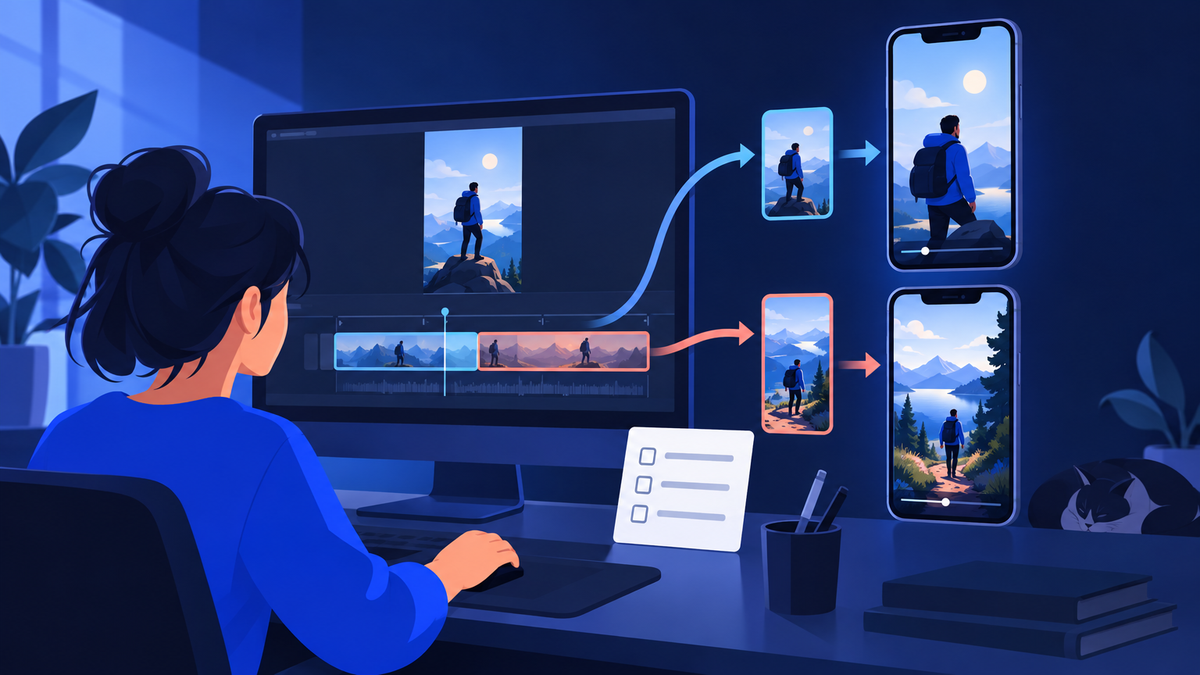
How should you cut one master file for two feeds?
Keep one master file and change the parts each feed judges first: the opening seconds, the length and the ending. The same file can land very differently. One Shorts specialist has described a video drawing about a million views on TikTok and about a thousand as a Short, with the pattern reversing once she focused on YouTube.
What she saw on each feed is a starting point to test, not a rule:
- TikTok favored dense, fast clips of 10 to 20 seconds.
- Shorts favored slower, story-driven cuts of around 30 seconds.
Sound needs the most care on YouTube. YouTube says a Short over one minute with “an active copyright claim of any type” is “blocked globally on YouTube”, and most audio-library songs are cleared “for up to 90 seconds in a 3 minute Short”.
- Export a clean master. Vertical 9:16, no app logo, no stickers or captions burned in from either app.
- Cut the opening per feed. Start the TikTok on the densest moment. Let the Short open on the question the story answers.
- Trim the Short to three minutes or less. Anything longer is a regular video on YouTube, outside the Shorts feed.
- Add music inside each app. On YouTube, use the Shorts audio library and stay inside the track’s cleared length.
- Check the Restrictions column. In Studio, Content, Shorts, a claim on a Short over a minute shows there. A blocked Short is one reason a Short sits at 0 views.
- Change the ending. End the Short on the long video its related link points to. End the TikTok on a reason to follow.
A song added inside TikTok’s editor lives on TikTok, not in your master file. Add the Short’s music on YouTube rather than saving the TikTok version to reuse it.
How do you promote the same video on Shorts and TikTok?
Promote each copy through its own platform’s ad system, so the views land on the post you uploaded there. For the Short, the fastest route is the Shorts feed itself. Sprizzy runs your Short as a full-screen vertical ad between other Shorts, targeted by keywords, similar channels, location, age and gender, from $50, with no edit and no re-upload.
Google’s counting rule applies: “Shorts ads will count a YouTube public view the moment the video playback starts” (Google Ads Help, About YouTube ads and view metrics). The public counter on your Short moves with the campaign.
Read the result in Studio. Ad plays show under the YouTube advertising traffic source, and the organic views that come after them are your follow-on views.
| Your Short | Your TikTok | |
|---|---|---|
| Official ad format | A Shorts ad, full screen in the Shorts feed | A Spark Ad, TikTok’s format for boosting an organic post |
| Where the result lands | Each ad play counts as a public view on the Short | Views, likes, comments, shares and follows are credited to your post |
For the TikTok copy, TikTok’s own format is Spark Ads, which attributes “all views, comments, shares, likes, and follows gained from boosting the video” to your organic post (TikTok Ads Help Center, About Spark Ads).
Viryze, a TikTok promotion service, runs your TikTok video as a Spark Ad from your own account, tests several audiences at once and keeps the budget on the ones that follow.
You sign in with TikTok, share no password, need no TikTok ad account, and TikTok reviews the ad before it runs. Promotions start at $30, paid once per video.
Start with the Short. Sprizzy promotions start at $50, there are no monthly fees, your first promotion comes with a money-back guarantee, and Sprizzy has done this for over 1.5 million channels since 2016.
Common questions
Does YouTube penalize a Short that has a TikTok watermark?
YouTube's published Shorts rules do not mention watermarks. What they target is non-original content: channels re-uploading other creators' videos get less distribution in the Shorts feed, and views on non-original Shorts are excluded from revenue sharing. TikTok's rules do name someone else's watermark or logo as an example of reused content. A clean master file with no app logo settles the question on both platforms.
Can a TikTok longer than three minutes be a YouTube Short?
No. YouTube categorizes an upload as a Short only when it is square or vertical and three minutes or less, for videos uploaded since October 15, 2024. A longer vertical video becomes a regular video on the watch page and does not enter the Shorts feed. Cut a version of three minutes or less for Shorts, and use the Short's related video link to send viewers to the full one.
Do Shorts views count for revenue if the same video is on TikTok?
Posting your own video elsewhere does not make it non-original. YouTube's Shorts monetization policy excludes views on non-original Shorts, and its examples are unedited clips from others' movies or TV shows, reuploading other creators' content from YouTube or another platform, and compilations with no original content added. Your own video, uploaded from your own master file, is none of those.
Should you post to YouTube Shorts and TikTok at the same time?
Neither platform's published originality rules say anything about timing between apps; both judge whether the video itself is original. Post each copy when its audience is active. On YouTube, the When your viewers are on YouTube report in the Audience tab of YouTube Studio Analytics shows the days and hours your viewers were on YouTube over the last 28 days. Set the Short's related video as soon as it is live.