
The release is live on YouTube Music, yet a search for your name shows no “Artist Name – Topic” channel. YouTube gives three reasons, and a distributor can fix only one. Here is how the channel gets created and what moves it.
Why doesn’t your music have a topic channel yet?
Because YouTube has not decided you have a significant presence. The help page says it “is created for an artist when they have a significant presence on YouTube,” and lists three reasons one is missing: “there are only a few videos from the artist,” the videos “do not have many views,” or they “don’t meet YouTube’s quality standards” (YouTube Help). Delivery through a distributor is the entry ticket, not the trigger.
| YouTube’s reason | What it means | What moves it |
|---|---|---|
| Only a few videos from the artist | YouTube is counting the Art Tracks generated from your releases, the videos on your own channel, and fan uploads that mention you | Release more tracks; upload your own videos (official video, lyric video, live take) to your channel |
| The videos do not have many views | The catalog exists, but few people play it | Put the videos in front of listeners who would choose to watch; Sprizzy does that through YouTube’s official ad platform, from $50 |
| The videos don’t meet quality standards | Policy or metadata problems: Community Guidelines, copyright, mismatched artist names across releases | Fix the metadata with your distributor; keep the channel clear of strikes |
What distributors leave out. Distributor pages say the channel appears automatically once you select YouTube Music. That is only the delivery step. YouTube’s rule is about presence, so a release can be live for weeks with no artist topic channel behind it.
Delivery gets your music onto YouTube. Presence gets it a topic channel.
Where is your music while the topic channel does not exist?
On a placeholder channel. Distributors report that a new release lands first on an auto-generated “Release – Topic” channel that holds only that one release (distributor notice, November 2023). YouTube moves the tracks to an “Artist Name – Topic” channel once it links the release to you, and distributors quote up to four weeks for that mapping. Before November 2023 the placeholder was a shared “Various Artists – Topic” channel.
- Search your name plus “Topic”. A real topic channel is titled “Artist Name – Topic” and says “auto-generated by YouTube” in its About section. If nothing comes up, the channel does not exist yet.
- Open one of your songs from YouTube Music. The channel name under the title is where the release currently lives: a Release – Topic placeholder, your own topic channel, or another artist’s.
- Copy the channel ID. It is the string after /channel/ in the URL. Distributors ask for it when you request an Official Artist Channel, and a blank or invalid ID means YouTube has not created a dedicated topic channel for you yet (distributor help page).
- Check the artist name on every release. It must match exactly across releases and your own channel. Near-identical names are the usual reason a release is filed under someone else.
Four weeks on a Release – Topic channel is normal. Longer than that, with several releases out, is a question for your distributor, who can ask YouTube to map or move the release. You cannot log in to a topic channel or edit it yourself.
What is an Art Track, and why can nobody comment on it?
An Art Track is the video YouTube generates for every delivered song. The help page defines it as “an automatically generated YouTube version of a track on a music album,” made of “the sound recording and the album art” (YouTube Help). Only label and distributor partners can create them, through YouTube’s content management tools and the DDEX delivery feed. YouTube’s stated goal is “a YouTube version of every track on every album.”
- One per combination. YouTube keys each Art Track to the track’s ISRC, the release identifier (UPC, EAN or GRid) and the partner that delivered it. Deliver the same song through two distributors and you get two Art Tracks; re-deliver through the same one and you do not.
- Where they show. Art Tracks appear in album playlists and in search results, so they can rank for your song title even when your own upload does not.
- Comments are off. YouTube turns comments off on Art Tracks “if the primary artist doesn’t have an Official Artist Channel.” With one, you switch them on under Community, then Defaults, in YouTube Studio, and you can remove individual comments.
Why that matters early on. Until the Official Artist Channel exists, the version of your song most listeners find cannot collect a single comment. Social proof lives only on the videos you upload yourself, so keep your own channel active beside the Art Tracks.
Art Tracks come from your distributor’s delivery, not from you, and they stay silent until you hold an Official Artist Channel.
How do you get a topic channel faster?
Work the three reasons in the order you control them. Delivery is the fixed cost: a distributor must send the release to YouTube with YouTube Music selected, or there are no Art Tracks to collect. After that, the number of videos and the views on them are the two levers YouTube names, and both can move this month.
- Deliver every release with YouTube Music selected. Keep the artist name identical on every release and on your own channel, down to spacing and capitalisation.
- Upload your own versions. An official video, a lyric video or a live take on your channel are “videos from the artist” in YouTube’s wording, and they are the only ones you can title, thumbnail and promote.
- Get those videos watched. This is the reason most artists sit on: the catalog exists and nobody plays it. Sprizzy puts your music video in front of people who listen to similar artists, targeting by keywords, similar channels, location, age and gender, through YouTube’s official ad platform, real viewers only, from $50.
- Keep the channel clean and on topic. Community Guidelines and copyright strikes read as a quality problem. So does a channel full of unrelated uploads, because the Official Artist Channel criteria later require a channel “focused on the artist’s or band’s music.”
- Give the mapping four weeks, then ask. If several releases are out and all still sit on Release – Topic channels, your distributor can ask YouTube to create or map the artist topic channel.
Promotion works on the reason you can move fastest: the views. The ads find listeners who choose to watch, and what they do afterwards on your other videos is yours. Sprizzy promotions start at $50 and your first one comes with a money-back guarantee.
What if your release landed on the wrong topic channel?
Usually a name clash. YouTube builds topic channels by algorithm, and its help page says they “don’t reflect any editorial opinion” from YouTube; when two artists share a name or spell it almost the same way, a release can be filed under the other one. Distributors fix this by asking YouTube to move the release, because you cannot sign in to a topic channel, edit it, or delete it.
| Situation | Who fixes it | How |
|---|---|---|
| Your release is on another artist’s topic channel | Your distributor | A support request naming the release and the correct topic channel ID |
| Another artist’s release is on yours | Your distributor | The same request in reverse; YouTube moves it to a new topic channel |
| A release is stuck on Release – Topic past four weeks | Your distributor | Ask for the mapping; several releases under one exact name help |
| You want the topic channel gone | Nobody, directly | Distributors say the only route is taking the release down from YouTube Music |
| The “Provided to YouTube by” line is wrong | Fixed by re-delivery | That line names the partner that delivered the track and cannot be edited; other metadata changes go through the distributor |
Every topic channel fix goes through the distributor that delivered the release. Put the release ID and the topic channel ID in the ticket.
Why does a topic channel alone cost you fans?
Because a subscription to it is silent. YouTube says subscribing to a topic channel “will not add any videos to your subscriptions feed” and that “you won’t get notifications from topic channels” (YouTube Help). Listeners who find you on YouTube Music and tap subscribe on the topic channel are counted, then never told about your next release. YouTube’s own recommendation on the same page is an Official Artist Channel.
- What the official channel does. YouTube merges subscribers from your topic channel, your Vevo channel if you have one, and your existing channel into it, and the subscribe button disappears from the topic channel (YouTube Help).
- What you need first. Your own channel focused on the music, at least one distributed release, and a distributor or Music Service Partner to file the request. Here is the request, step by step.
- What to build meanwhile. Subscribers on your own channel, the one the official channel will be built on. The first 100 are the hardest, and they are the ones who get the notification.
Give your own upload its first audience. Sprizzy targets listeners by keywords and similar channels and runs the promotion on YouTube’s ad platform, no bots, no monthly fees. The views land on your channel, where a subscriber can be told about the next song.
What changes once you have an Official Artist Channel?
A desk for the discography the topic channel never gave you. YouTube’s criteria: own and operate a single artist’s channel focused on the music, have at least one official release delivered by a distributor or label, comply with YouTube’s policies, and meet one of four partner conditions, such as a distributor in YouTube’s Services Directory (YouTube Help). The request goes through your distributor, or a Music Service Partner if you have none.
The Releases tab. On desktop, YouTube Studio shows a Releases tab under Content for Official Artist Channels. It lists every public release with its date, explicit tag, track metadata and album art (YouTube Help).
- A release is missing. Use the “Let us know” link at the bottom of the Releases tab to ask YouTube to add it to your discography.
- A release is not yours. Open it and choose “This is not my release. Remove from channel.”
- A release is yours but unwanted. Choose “Although this is my release, remove from channel.”
- Track the request. The Requests column shows Under review while YouTube works on it and Resolved when the metadata has been updated.
- Comments return. Art Track comments can be switched on from Community, then Defaults, in Studio.
The next shelf. After that, YouTube’s Artist on the Rise shelf watches view count, watch time growth and upload frequency. Here is how that shelf picks artists. Views on your own uploads feed both decisions, and the public count starts from the first frame.
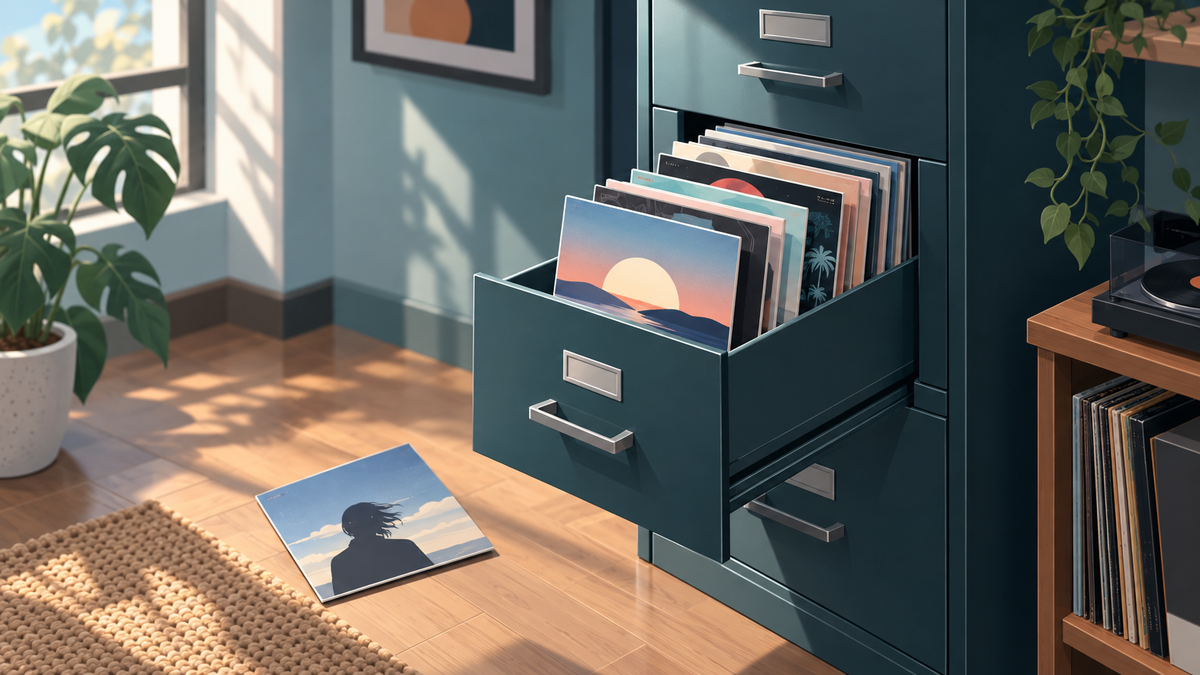
The topic channel is YouTube’s filing cabinet for your music. The Official Artist Channel is the desk where you get to open the drawers.
Common questions
How long does it take to get a YouTube topic channel?
There is no published timer. A new release first appears on a Release - Topic placeholder, and distributors quote up to four weeks for YouTube to map it to an Artist Name - Topic channel. The artist channel itself is created only when YouTube sees a significant presence: enough videos, enough views, and no quality problems. Several releases under one exact artist name shorten the wait more than anything else.
Can I create my own YouTube topic channel?
No. Topic channels and the Art Tracks on them are generated by YouTube from what label and distributor partners deliver through its content management tools, and nobody can sign in to one, edit it, or delete it. What you control is the input: deliver releases with YouTube Music selected, keep the artist name identical everywhere, upload your own videos to your channel, and get them watched.
Why is my music on a Release - Topic or Various Artists - Topic channel?
Because YouTube has not yet linked the release to an artist topic channel. Distributors report that since November 2023 each new release lands on its own Release - Topic channel, which replaced the shared Various Artists - Topic channel, and stays there until the mapping happens. Smaller play counts make the wait longer. If it passes four weeks, ask your distributor to request the mapping.
Do I need a topic channel before I can get an Official Artist Channel?
YouTube's published criteria do not list a topic channel; they require your own channel focused on the music, at least one official release delivered by a distributor or label, policy compliance, and one of four partner conditions. In practice distributors ask for your topic channel ID when they file the request, so most artists have one by then. The request itself goes through your distributor or a Music Service Partner.
Why are comments turned off on my songs on YouTube Music?
Because those songs are Art Tracks, and YouTube turns comments off on Art Tracks when the primary artist has no Official Artist Channel. Once the official channel exists, you turn them on in YouTube Studio under Community, then Defaults, by allowing comments or holding them for review, and you can remove individual comments from any Art Track.
How do I find my YouTube topic channel ID?
Search YouTube for your artist name followed by Topic, open the channel whose About section says auto-generated by YouTube, and copy the string after /channel/ in the address bar. Copy only the letters and numbers, not the full URL. If every song still shows a Release - Topic channel instead, YouTube has not created a dedicated topic channel for you yet.
Can my distributor delete my topic channel?
No. Topic channels are managed by YouTube, and distributors say the only way to make one disappear is to take the release down from YouTube Music entirely. The useful alternative is an Official Artist Channel, which absorbs the topic channel's subscribers, removes its subscribe button, and gives you a Releases tab in Studio to add or remove releases from your discography.