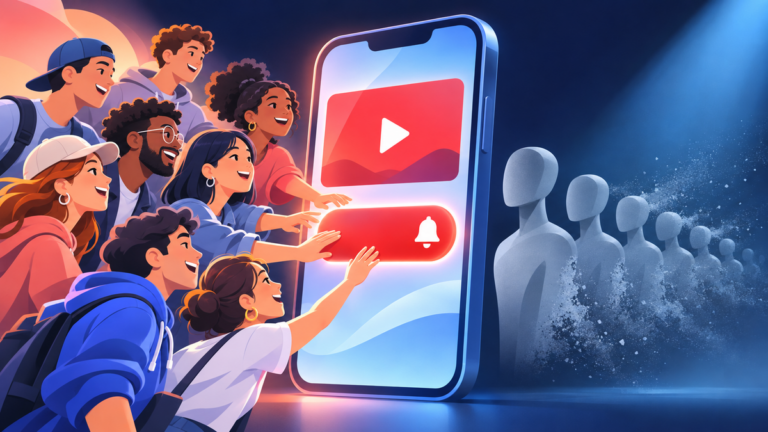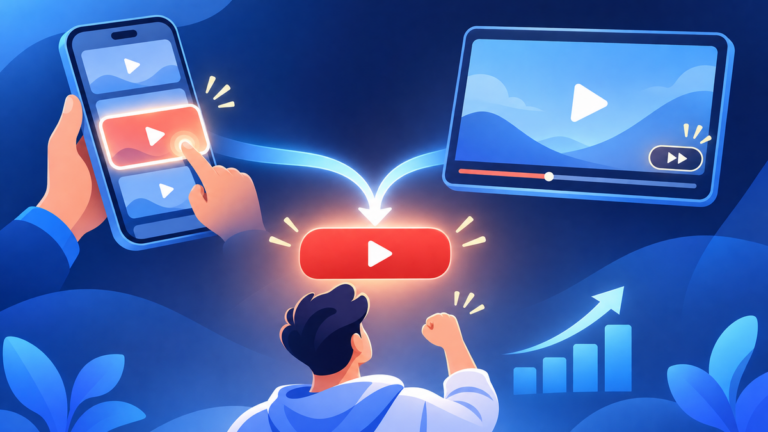
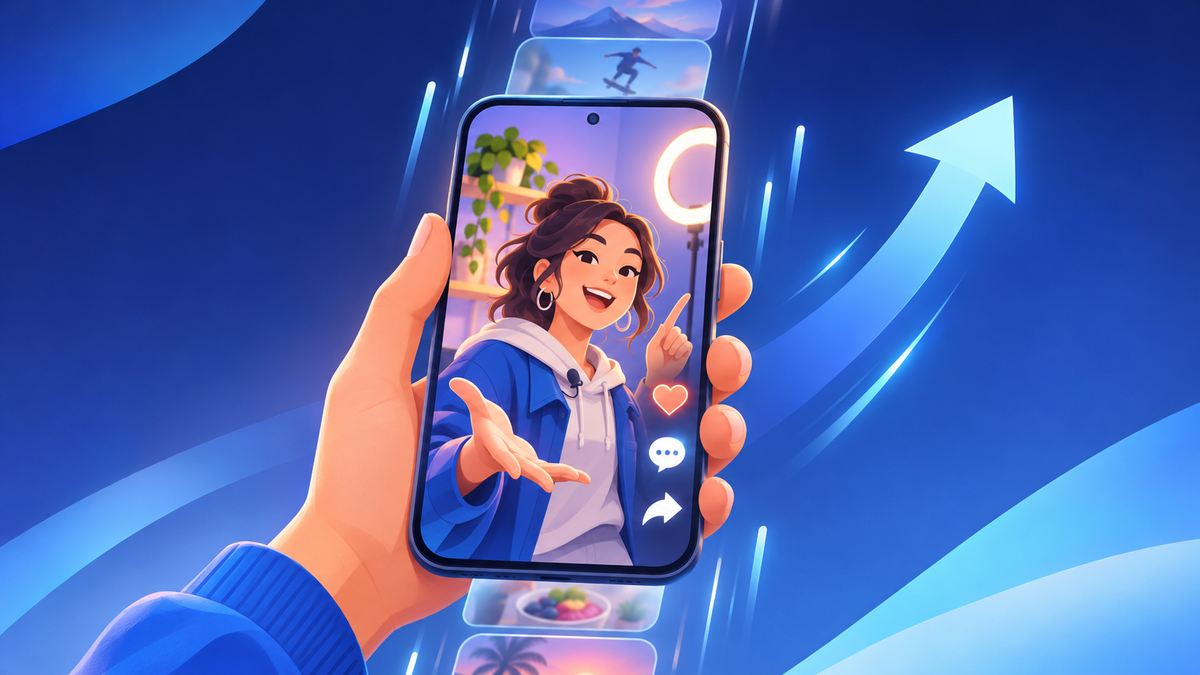
A Short can run as a YouTube ad, and it stays the same Short when it does. The ad plays it full screen between the Shorts people swipe through, and the views, likes and comments it collects land on the Short already on your channel.
Every rule below comes from Google’s Shorts ads documentation and YouTube Help, read on November 20, 2026, with each page linked where it is used.
Can you run YouTube Shorts as ads?
Yes. Any public Short can run as a YouTube ad, and it plays the way a Short does: vertical, full screen, between organic Shorts. Google’s Shorts ads overview describes ads that “appear between organic Shorts videos and are immediately skippable by swiping up or down.” Scroll back, and the same ad is still there.
| On the screen | What it does |
|---|---|
| Your channel name and a one-line description | Tells the viewer whose Short this is. Google caps the description at 90 characters and cuts it after one line on a phone. |
| Like, dislike, comment and share buttons | Sit down the right side, as on any Short. Share works on public videos. |
| An action button | Links onward. On ads bought for views, it appears 10 seconds in. |
| The Short itself | Plays with its own sound, edit and length, exactly as you uploaded it. |
No edit, no re-upload. Sprizzy runs the Short you already published as a YouTube ad, writes the ad text for you, and shows it in the Shorts feed to people who watch Shorts like yours, from $50.
Why promote Shorts with ads?
Because the Shorts feed is the biggest stage on YouTube, and an ad gets your Short onto it on the day you choose. YouTube’s CEO wrote in his January 21, 2026 letter that Shorts “now averages 200 billion daily views.” An organic Short waits for the feed to pick it. An ad puts it in front of the people you aim it at.
Short ads move people to act. Asked which ads can prompt them to click or buy, consumers ranked short-form video first:
- Short-form video ads (Shorts, Reels, TikToks): 38%
- Ads before or during long videos: 31%
- Social feed ads: 25%
Those figures come from DoubleVerify’s 2026 Global Insights Report, a survey of 22,000 consumers and 2,020 marketers across four regions, published October 14, 2026.
Do ad views count toward your public view count?
Yes, from the first frame. Google’s video view metrics page states that “Shorts ads will count a YouTube public view the moment the video playback starts,” so every playback of the ad adds to the number under your Short. The view Google bills, when ads are bought per view, is a separate and stricter count.
| Public view | Paid view (TrueView view) | |
|---|---|---|
| When it counts | The moment the ad starts playing | 10 seconds watched, or the end if the Short is shorter, or a tap on the button, like, comment or share |
| Where it shows | Your Short’s public view count and YouTube Studio | The Google Ads reports |
| On a TV screen | Includes YouTube’s estimate of people watching together | One per playback, so co-viewers are never billed |
| Swipe away, then back | No extra view | No extra view |
Swiping back is not a second view. If a viewer swipes past your ad and returns to it, Google counts no new impression and no new view. The ad stays in its place in the feed, so they can finish watching.
Find the ad views in Studio. YouTube Help’s reach report page puts it in one line: “If your video is used as an ad on YouTube, you’ll see ‘YouTube advertising’ as a traffic source.”
- The TV estimate: what co-views are and how they reach the public count.
- The real-view checks: how to know your ad views are real.
The public count starts at the first frame. The paid count starts at 10 seconds or a tap.
Where do promoted Shorts show up?
Mostly in the Shorts feed, and in more places than the Shorts tab. Google’s list of Shorts ad placements covers every Shorts player on YouTube, from the shelves on the Home and Search feeds to the Subscriptions feed, and on phones, tablets, desktop browsers and TVs.
- The Shorts tab: the full-screen feed people open to swipe.
- Shorts shelves on Home and in search: a viewer who taps a Short on the shelf lands in the feed where the ad plays.
- Subscriptions, channel, gaming and shopping feeds: the Shorts players inside each of them.
- TVs and consoles: the ad plays but cannot be clicked, so Google shows a QR code instead.
The feed is not the only stage. A Short can also run as an in-feed ad, a thumbnail in search results and beside other videos. In-feed vs in-stream ads explains what each placement does for a channel.
What happens to likes and comments on promoted Shorts?
They land on your Short. Google’s Shorts ads FAQ answers that likes on the ad “will be treated just like any other organic video,” and that “comments made on the ad will appear alongside other comments in the comment section of your original Shorts.” The ad and the Short share one like count and one comment section.
- Likes add to the Short’s public like count. Dislikes stay hidden, as on any Short.
- Comments join the original thread. If comments are off on your Short, the comment button does not show on the ad.
- Shares work while the Short is public.
- Reporting: the likes, comments and shares appear in YouTube Studio with the rest of the Short’s engagement.
Do Shorts have to be vertical to run as ads?
Vertical is the shape every Shorts surface takes. Google’s Shorts ad specs recommend 9:16 video and say horizontal videos “serve with blurred top and bottoms in the vertical Shorts experience.” The Shorts ads FAQ adds that horizontal and square videos are “only eligible to serve on a subset of Shorts surfaces, such as desktop and connected TV.”
Before you put a Short in front of new viewers, check five things:
- Vertical 9:16. A Short filmed for the feed already fits every placement.
- Under 60 seconds. Google recommends ads under a minute “to match user behavior when watching Shorts.”
- Sound on. Google says sound in Shorts ads “has been shown to increase conversions by over 20%.”
- A reason to stay past 10 seconds. That is where the paid view counts and where the action button appears.
- Somewhere to go next. A viewer who likes the Short taps your channel name. Give them more Shorts and a longer video to find.
What do Shorts ads do for the rest of your channel?
It brings in viewers who keep watching for free. Google’s view metrics page credits an ad with earned actions: views, likes, subscribers, playlist additions and shares a viewer makes on your linked channel within 7 days of seeing it. Google states it directly: “You aren’t charged for earned actions.” On Shorts, an earned view counts after 10 seconds.
- Earned views: your other videos the viewer goes on to watch.
- Earned subscribers: viewers who subscribe after the ad.
- Earned likes, shares and playlist adds: counted the same way, on any channel linked to the ad account.
The ad finds the viewer; the Short keeps them. Sprizzy’s help center says it plainly: repeat views, likes, comments, subscribes and views of your other videos cost you nothing extra.
Pick the goal that fits the Short. Choose More subscribers and the ad mostly runs in feeds, search and Shorts, where people choose to tap your video. Choose More views for the most views for your budget. How the goals differ.
How do you promote Shorts with Sprizzy?
Paste the Short, choose who should see it, set a budget from $50 and launch. Sprizzy builds the ads in Google Ads, YouTube’s official ad platform, and shows your Short in the Shorts feed to people who watch Shorts like yours. Setup takes about three minutes, and every view comes from a real person on YouTube.
- Paste your Short. Add the link to your Short, or pick it after you sign in.
- Choose the audience. Keywords, channels like yours, location, age and gender.
- Pick the goal. More subscribers, More views or More visits to my website.
- Set the budget. A one-time payment per promotion from $50, no contract, and you pay when a real viewer watches.
- Read the report. Views, watch time and where the ad played. YouTube Studio shows the same views as “YouTube advertising.”
Your budget goes where it works. Sprizzy tests more than 200 combinations of keywords, channels and demographics, then moves your budget to the ones that earn subscribers at the lowest cost.
Your first promotion comes with a money-back guarantee, and your estimate on the pricing page is free before you pay. See how it looks for Shorts promotion.
Your Short as it is, in the Shorts feed, in front of people who watch Shorts like yours.
Common questions
How much does it cost to promote a YouTube Short?
Sprizzy promotions start at $50 and you set the budget. Each promotion is a one-time payment with no contract, you pay when a real viewer watches, and the pricing page gives you a free estimate made for your channel before you pay. Your first promotion is covered by Sprizzy's money-back guarantee.
Can you promote an old YouTube Short?
Yes. Any public Short can run as a YouTube ad, whether you posted it yesterday or last year. The ad plays the Short as it already is on your channel, so the views, likes and comments it collects land on that same Short, next to everything it has earned so far.
Does swiping back to a Shorts ad count as another view?
No. Google counts no new impression and no new view when a viewer swipes away from a Shorts ad and then returns to it. The ad stays in its place in the feed when they scroll back, so they can finish watching, but each counter moves once for that playback.
Do Shorts ads play on TV?
Yes. Google serves Shorts ads on TVs, gaming consoles and streaming devices as well as phones, tablets and desktop browsers. On a TV the ad cannot be clicked, so viewers get a QR code instead, and public views from TV screens include YouTube's estimate of people watching together in the room.
Can you turn off comments on a promoted Short?
Yes. If comments are turned off on your Short, Google's Shorts ads FAQ says the comment button will not display on the ad. The like, dislike and share buttons always show. With comments on, every comment made on the ad appears in your original Short's comment section, alongside the ones it already has.
Can a Short longer than 60 seconds run as an ad?
Yes. Google's Shorts ads FAQ confirms that video ads longer than 60 seconds are eligible to serve in the Shorts feed. Google recommends ads under a minute to match how people watch Shorts, so a longer Short should make its point early and give viewers a reason to keep watching.
How do you see which subscribers came from the ad?
In Sprizzy's report, the Campaign Subscribers column fills in once your channel is linked to Google Ads. Google counts a subscription as earned when a viewer subscribes within 7 days of seeing the ad, and does not charge for it. Linking is optional; the promotion runs either way.