YouTube has added its third view metric in a single month. On August 24, 2026 public views started counting from the first frame, with the stricter number renamed engaged views. On August 31 a new private number appeared in YouTube Analytics: Views (Co-Viewed).
This guide covers what it measures, how YouTube models it, how it differs from unique reach and engaged views, why it will not move your revenue, and how to quote it to a sponsor without losing credibility.
What is Views (Co-Viewed), and where do you find it?
Views (Co-Viewed) is an estimate of the total number of people who watched your video on TV screens, rather than the number of TVs it played on. YouTube introduced it on September 2, 2026 and switched it on from August 31, 2026 in the Advanced mode of YouTube Analytics, where it sits next to unique reach. It is private: only you can see it.
YouTube’s definition: the “Estimated total view count including multiple people watching together” (Understand your YouTube content performance). YouTube put the change in plain terms in the announcement: “Until now, every TV device playback was viewed as a single view.”
From now on, a family of three watching your video together on one TV shows as three estimated co-viewed views.
- Open YouTube Studio. Go to Analytics from the left menu.
- Switch to Advanced mode. The link is in the top right of the Analytics screen.
- Add the metric. Add Views (Co-Viewed) to the table. It sits next to unique reach.
It is not on the Overview cards and it never appears on the public watch page.
How does YouTube estimate who is watching together?
YouTube does not count the people in your living room. Views (Co-Viewed) is produced by “statistical modeling based on demographic patterns, video genre, and viewing times to predict when people are watching together,” in YouTube’s words. YouTube has not published the model, its error bands or how often it is retrained, so treat every co-viewed figure as a platform estimate rather than a headcount.
The modeling is not new; it is new to creators. Google has reported co-viewing to advertisers on connected TVs since 2022, and Views (Co-Viewed) hands creators a version of the number media buyers have used for years to compare YouTube against linear TV.
Its Google Ads definition describes “using a combination of Google’s connect TV panel data and real-time, census-level surveys to assess co-viewing behavior across 100+ countries via 70+ languages worldwide,” then applying “a dynamic reach model” driven by “day-of-week, time-of-day, country, and user demographics.”
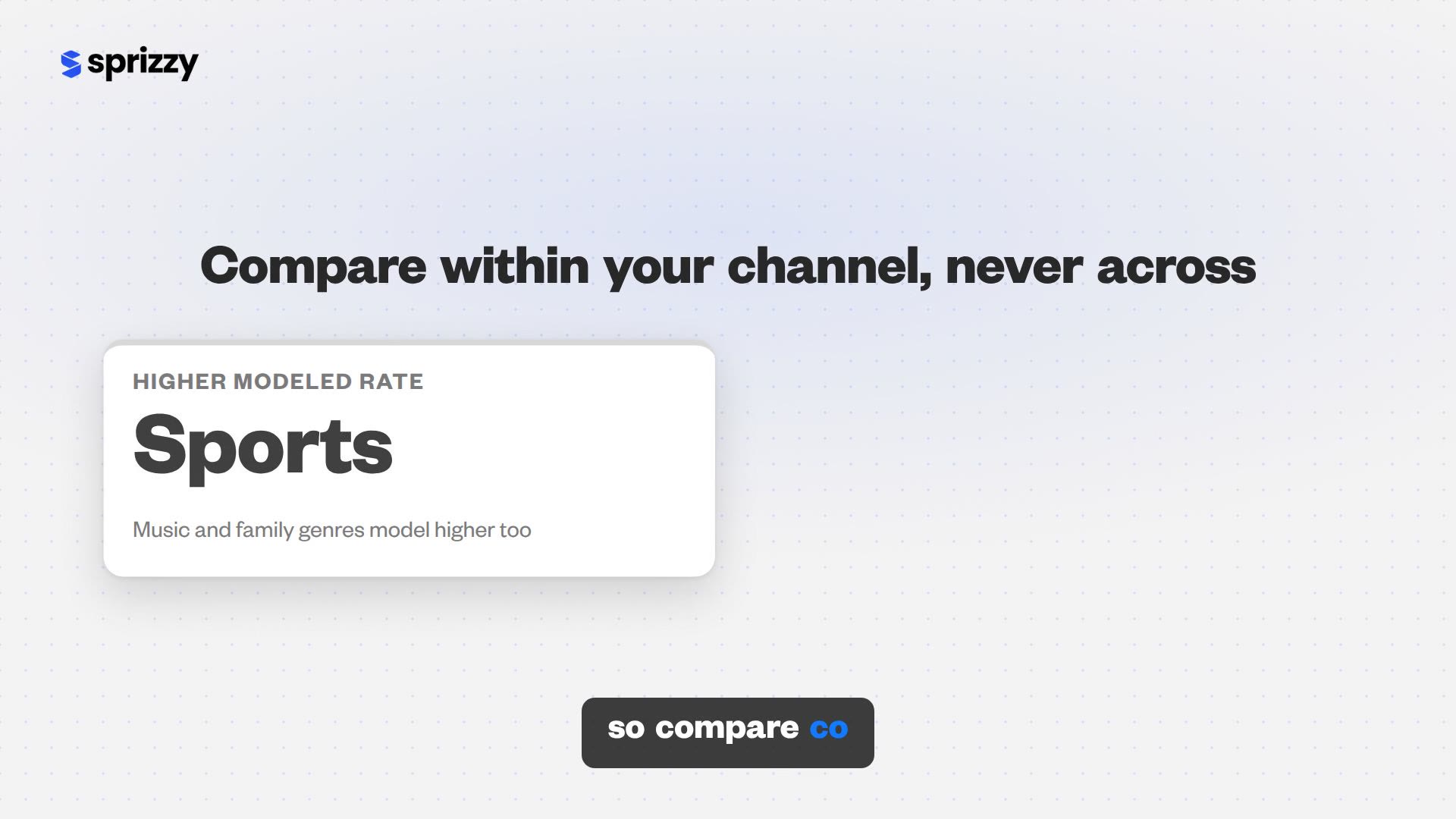
Genre is one of the three named inputs, so compare co-viewed views between your own videos rather than against another channel. Sports, family entertainment or music will model a higher co-viewing rate than a screen-recorded tutorial, even at the same TV share.

Views, engaged views, unique reach, co-viewed: which number is which?
Your video now carries five audience counters, and each answers a different question. Views tell you how many times playback started. Engaged views tell you how many times someone stayed past the first seconds. Unique viewers estimate distinct people across devices. Unique reach and Views (Co-Viewed) both account for group watching on TVs, but one counts each person once and the other counts every watch occasion.
| Metric | What it counts | Where you see it | Used for earnings or YPP? |
|---|---|---|---|
| Views | Playbacks, counted from the first frame since August 24, 2026 | Public watch page, Analytics | No |
| Engaged views | Playbacks where the viewer stayed past the initial seconds, no loops | Analytics (Advanced mode) | Yes |
| Unique viewers | Estimated distinct people, one count per person across devices | Analytics, Audience tab | No |
| Unique reach | Estimated distinct people, including several people on one TV, counted once | Analytics (Advanced mode), since May 2026 | No |
| Views (Co-Viewed) | Estimated total people watching on TVs, counted on every watch | Analytics (Advanced mode), since August 31, 2026 | No |
YouTube’s own example separates the two TV metrics. Three people watch your video once on one TV: that is one view, three unique reach, three co-viewed views. The same three watch it twice: two views, still three unique reach, six co-viewed views.
| Scenario | Views | Unique reach | Views (Co-Viewed) |
|---|---|---|---|
| Three people watch once on one TV | 1 | 3 | 3 |
| The same three watch it twice | 2 | 3 | 6 |
| One person watches twice on a phone | 2 | 1 | 2 |
Unique reach arrived in Advanced mode on May 22, 2026. The pair now gives TV viewing the same views-versus-unique-viewers split that phone and desktop viewing already had.
Unique reach counts people. Views (Co-Viewed) counts watch occasions.
If the first-frame counting change is still new to you, the earlier guide on views versus engaged views covers what moved on August 24 and how much public views now overstate attention by channel size.
If every column is small: the split matters less than the base. Put the video in front of people who would choose to watch it. Sprizzy does that through YouTube’s official ad platform, targeting by keywords, similar channels, location, age and gender, from $50.
Does Views (Co-Viewed) change your public view count, your revenue or Partner Program eligibility?
No, on all three. The view count on the watch page is unchanged. YouTube was explicit: “Views co-viewed will also have no impact on monetization, revenue sharing and AdSense payouts, and YouTube Partner Program eligibility will continue to be based on engaged views and qualified views and their modeled estimates.”
- Public view count: unchanged.
- Revenue and AdSense payouts: unchanged.
- Partner Program eligibility: unchanged, still based on engaged and qualified views.
- Ranking: no recommendation role attached.
That matters more than usual right now. The Partner Program thresholds are the ones described in the 2026 monetization requirements, and for new applicants they double to 8,000 hours on February 1, 2027, as explained in the 8,000 watch hour rule.
None of that math changes because three people shared a sofa. A co-viewed view adds nothing to qualified watch hours.
Co-viewed views exist for your reporting and your pitches, nothing else.
Why do your co-viewed numbers look low, or missing?
Three reasons, in order of likelihood. The metric takes up to 48 hours to process, your channel may have very little TV watch time for the model to work with, and it only lives in Advanced mode.
- The 48-hour delay. Any date range that includes the last two days, including the default “Last 28 days” and “This month”, undercounts it.
- Little TV watch time. The model needs TV viewing to work with. On a phone-first channel the number barely diverges from views.
- Wrong tab. It only lives in Advanced mode, so the Overview and Content tabs never show it.
The delay is the one that trips people. YouTube’s advice is to “select a custom date range that excludes the last two days. For example, choose August 1st to 17th rather than rolling views.” Any comparison across videos should use the same closed window.
Pick a custom date range that ends at least two days ago before you compare co-viewed views with views. Every default range includes the processing gap.
How much of your watch time is TV?
Open the Audience tab and look at the Device type report, which YouTube describes as showing “what percent of your watch time comes from each device” across “mobile, computer, TV and tablet” (Understand your YouTube audience).
For the platform as a whole, TV is anything but a rounding error. YouTube reports that “viewers watch an average of over 1 billion hours of YouTube on TV screens every day.”
CEO Neal Mohan’s January 2026 letter noted that “YouTube has been #1 in streaming watchtime in the U.S. for nearly three years, according to Nielsen,” and Nielsen’s July 2026 Gauge put YouTube at a record 14.2% of all U.S. TV viewing, per TheWrap.
How should you use Views (Co-Viewed) in a media kit or sponsor pitch?
Put it in, label it, and never let it stand alone. YouTube built the metric for exactly this: YouTube calls co-viewed views “a platform-backed metric, which means they can be used when negotiating brand deals.” But a brand cannot verify it from outside your Studio, and some buyers will discount a modeled multiplier. Pair it with engaged views and average view duration so the pitch survives a skeptical media planner.
The skepticism is already on the record. A creator can now quote a number several times larger than the public view count on the same video, “with no route for the brand to confirm it beyond asking for a screenshot.”
YouTube has not explained the method beyond that. A media kit that anticipates those objections reads as more honest than one that leads with the biggest number.
What order should the numbers go in?
A format that holds up in late 2026:
- Engaged views for the closed date range, first, because it is the number YouTube pays on.
- Views (public) for the same range, so the brand can match it to the watch page.
- TV share of watch time from the Device type report, because it explains why the next two lines exist.
- Unique reach and Views (Co-Viewed), each labeled “YouTube estimate, TV screens” with the date range, and never used as the base for a CPM.
Media buyers already see co-viewing in their own Google Ads reporting. Present your TV audience in their vocabulary, never as your headline reach.
What does co-viewing mean if you promote your video with ads?
Advertisers have priced TV co-viewing for years, so on the buying side the idea is settled. Google Ads tells advertisers that “when multiple people watch YouTube on a connected TV (CTV) device together and view an ad at the same time, it could lead to more impressions and reach.” That is the platform a Sprizzy campaign runs on.
This is exactly what Sprizzy is for: you pick the video and who should see it, and it runs the campaign on YouTube’s own ad platform, real viewers only, no bots, from $50. The views show up in your own YouTube Studio analytics.
- Note a normal week. Before the campaign, record the TV share in the Device type report for a closed seven-day window.
- Run the campaign. Most Sprizzy promotions run three to five days, so a week-long window covers it.
- Compare the campaign window. A jump in TV watch time is the signal that co-viewed views, and the sponsor conversation they support, will follow.
Sprizzy has done this for over 1.5 million channels since 2016; here is how a campaign works. Campaigns start at $50 and your first one comes with a money-back guarantee.
Ads find the audience, the video keeps them, and the organic watching afterwards builds every metric on this page.
Common questions
Is Views (Co-Viewed) the same as unique reach?
No. Both estimate group watching on TV screens, but unique reach counts each person once no matter how many times they watch, while Views (Co-Viewed) counts every watch occasion per person. YouTube's example: a family of three watching a video twice is three unique reach viewers and six co-viewed views. Use unique reach for audience size and co-viewed views for total viewing occasions.
Can viewers or sponsors see my co-viewed views?
No. Views (Co-Viewed) is a private metric that appears only in the Advanced mode of your own YouTube Analytics. The public view count on the watch page is unchanged and still counts each TV playback as one view. A sponsor only sees the number if you share it, which is why any media kit that quotes it should also show engaged views and the date range.
Do co-viewed views count toward 4,000 or 8,000 watch hours for monetization?
No. YouTube stated that Partner Program eligibility, revenue sharing and AdSense payouts continue to be based on engaged views and qualified views and their modeled estimates. Views (Co-Viewed) is a reporting metric. The 4,000-hour threshold, and the 8,000-hour threshold that applies to new applicants from February 1, 2027, are unaffected by how many people share a screen.
Why are my co-viewed views lower than my regular views?
Almost always because of the processing delay. Views (Co-Viewed) takes up to 48 hours to compute, so any range that includes the last two days, such as Last 28 days or This month, shows a smaller co-viewed figure than views for the same period. Pick a custom date range that ends at least two days ago and the comparison becomes fair.
Why did YouTube add Views (Co-Viewed) now?
TV is now YouTube's biggest screen. Viewers watch over 1 billion hours of YouTube on TVs every day according to YouTube, Nielsen measured YouTube at a record 14.2% of all U.S. TV viewing in July 2026, and one TV playback was still counted as one person. Views (Co-Viewed), launched August 31, 2026, gives creators the same co-viewing estimate advertisers have had in Google Ads since 2022, mainly to use in brand deal negotiations.
Should I stop quoting public views to sponsors?
No. Quote all of them, labeled. Lead with engaged views for a closed date range, because that is the number YouTube pays on and the one brands increasingly price against. Show public views so the brand can match the watch page, then add unique reach and Views (Co-Viewed) marked as YouTube's TV estimates. A pitch that explains its numbers beats one that only shows the largest.