This article was first published in 2019 and has been rewritten from the ground up. The old version opened with two claims worth retiring for good: that YouTube is the world’s second largest search engine, and a block of Forbes-quoted video statistics.
Neither one survives a look at its original source. Below is what a business can actually do on YouTube in 2026, which settings have moved, and how to buy reach for a video once it is worth showing to customers.
Is YouTube still worth it for a business in 2026?
Yes, and the best evidence is not a user count. Nielsen’s Gauge report published on 28 July 2026 put YouTube at 13.8% of all television watch-time in the United States in May, “the largest share of television among all distributors for a third consecutive month.” Your customers are not just watching YouTube on a phone. They are watching it on the living room screen, in the slot that used to belong to cable.
A few other numbers come straight from YouTube’s own press page:
- Over 20 million videos are uploaded every day.
- Shorts averages over 200 billion daily views.
- YouTube has localized versions in over 100 countries across 80 languages.
That is the opportunity and the problem in one breath. The audience is enormous, and so is the pile of video it has to choose from.
Two statistics you should stop quoting
“YouTube is the second largest search engine.” This traces to comScore’s 2008 US search rankings, and the release says the opposite of what people think. YouTube was not listed as a search engine at all.
It sat inside a “YouTube/All Other” line under Google Sites, at 2.482 billion queries in July 2008, and comScore stated that user-generated video sites off the five engines’ core domains “are not included in the core search numbers.”
Both claims are still repeated in almost every “video marketing” post you will read. Check the original release before a statistic goes into your pitch deck.
“95 percent of consumers retain information from video, versus 10 percent from reading.” This came from a single marketing agency, Insivia. On its own page the company explains the origin: “In the late 2000s, we conducted a small survey of around 200 B2B buyers.”
It adds, plainly, “It was directional. It was not a peer-reviewed neuroscience study.” Roughly 200 people, nearly twenty years ago, is not a reason to build a marketing budget.
You do not need either claim. “The single biggest distributor of TV watch-time in America” is a stronger argument, and it is measured.
Which videos should your business make first?
Start with videos that answer something a buyer already types into a search box: how a product works, how to set it up, and what other customers say about it. Demos and tutorials give people a reason to watch before they are ready to buy. Testimonials give them a reason to trust you once they are. Both are cheap to make and neither goes stale quickly.
| Video type | The question it answers | Why it earns its keep |
|---|---|---|
| Product demo | What is it and what does it look like in use? | One video per product or service line. Reusable on product pages and in ads. |
| Tutorial or how-to | How do I do the thing your product helps with? | Attracts people who are not searching for your brand yet. |
| FAQ answer | The exact question already on your support page. | Deflects repeat support tickets and ranks for long, specific searches. |
| Customer testimonial | Does this work for someone like me? | Closes the trust gap late in the buying decision. |
| Behind the scenes | Who am I actually buying from? | Cheap to shoot, gives the channel a human face. |
Start with the FAQ page: open your website’s FAQ or help page and count the questions. Each one is a video, most of them under three minutes, all of them scriptable in an afternoon.
Group them into a single playlist and link that playlist from the FAQ page. You have turned a page nobody reads into a body of work that answers searches on YouTube and gives your support team something to send.
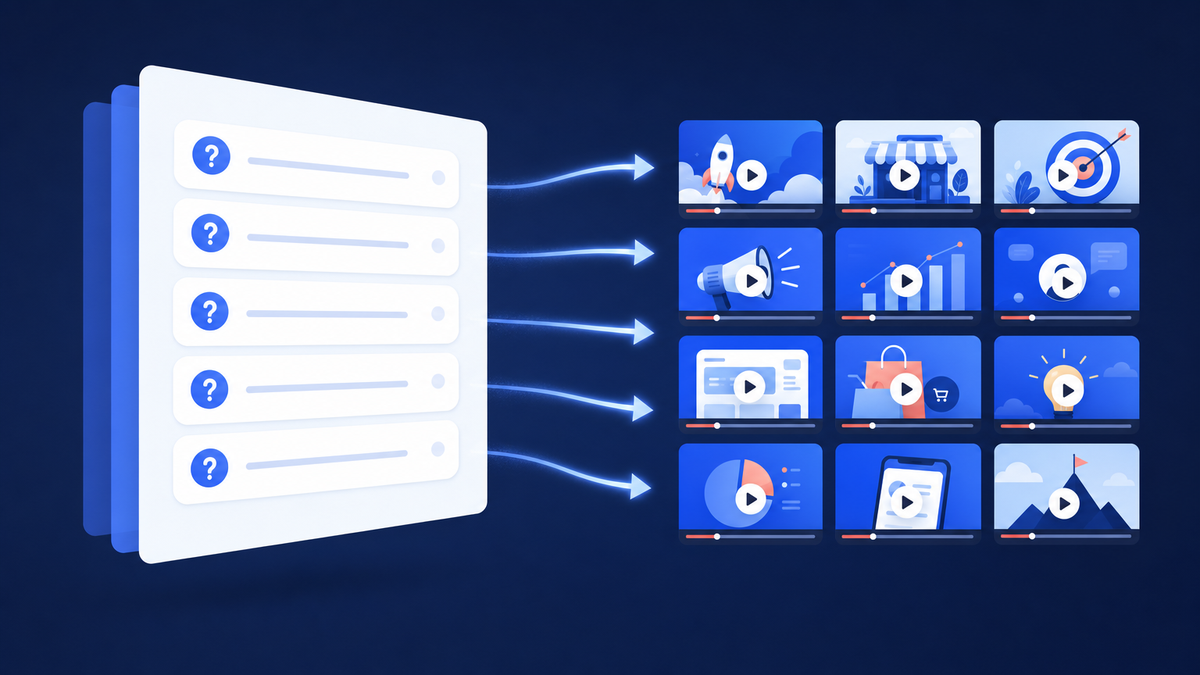
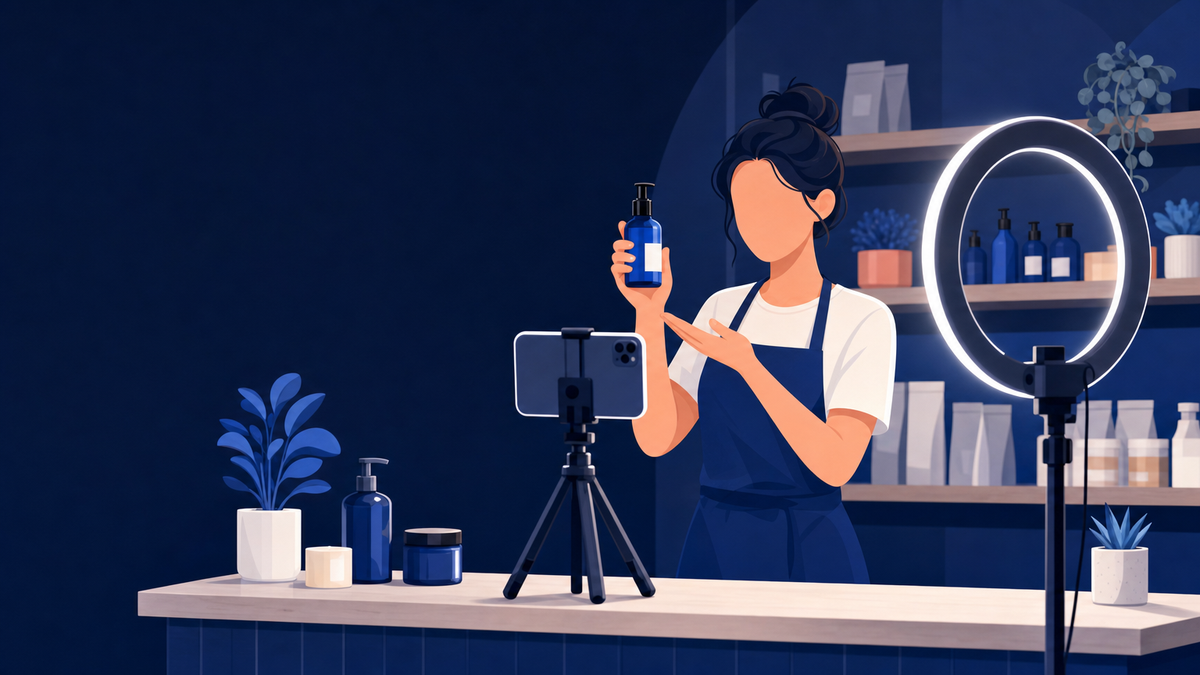
Do not let production value stall you. A phone on a tripod, a window behind the camera and a cheap lapel microphone beat a delayed shoot every time. Audio matters more than picture: people tolerate a soft image, not an echoing room.
Then get them seen. A new business channel has no audience waiting for these videos. The fastest fix is to put each one in front of people who would choose to watch it.
Sprizzy does that through YouTube’s official ad platform, targeting by keywords, similar channels, location, age and gender, from $50. A demo that answers a real question is exactly the video that kind of targeting rewards.
How do you set up a YouTube channel for a business?
Create the channel as a Brand Account rather than a personal one. YouTube’s help documentation describes this as the way to “create a channel that can have more than one manager or owner,” which matters on the day the person who set it up leaves the company. You pick a profile picture, a name and a handle, and YouTube creates the Brand Account behind it.
Why this matters: getting it right changes three things.
- Multiple people on your team can upload and reply to comments without sharing one person’s password.
- The channel name does not have to match anybody’s personal Google account.
- Ownership survives staff turnover.
If your channel is currently attached to a former employee’s personal login, moving it to a Brand Account is the most valuable hour of admin you will do this quarter.
Before the first upload, fill in the channel description with what your business does and where it operates, add your links, and set a banner.
Then get the per-video settings right from the start. Our YouTube upload checklist covers every setting on the upload screen that actually affects who sees the video.
Where can you actually put a link to your website?
In three places, and they do not share the same rules. Every channel can add links in YouTube Studio under Customization and then Profile, where you can “showcase up to 14 links on your channel Home tab.” Every channel can put a URL in a video description. External links on end screens and cards are the restricted one: YouTube limits those to Partner Program members.
| Where the link goes | What it looks like | Who can use it |
|---|---|---|
| Channel links (Studio > Customization > Profile) | Up to 14 links; the first appears in the profile section near the subscribe button | Every channel |
| Video description | Your full URL plus contact details and social profiles | Every channel |
| Pinned comment | A link at the top of the comment thread | Every channel |
| End screen or card link to an external site | A clickable element in the last 20 seconds, or a card mid-video | YouTube Partner Program members only: “If you’re in the YouTube Partner Program, you can link to an external website.” |
Why this matters: this is the single biggest change from the 2019 advice. The old flow was to add a website in channel settings, wait for approval, then attach it to an end screen, and to add channel URLs through the About tab.
Both paths have moved. Channel links now live under Customization, and the external end screen link is gated behind Partner Program membership, which most new business channels do not have yet.
So plan around it. None of the following requires permission from anyone.
- Put the full URL and every way to contact you in every description.
- Add your site as the first channel link so it sits beside the subscribe button.
- Say the address out loud in the video.
Every channel can link its website from the channel links and every description. Only Partner Program members get a clickable end screen link.
How do you find video topics your customers actually search for?
Start with what already works in your category. Open a competitor’s channel, switch the video sort to most popular, and read the top ten titles. That list is proven demand in your niche, published by someone who has already paid to find out. Then check your idea against how YouTube says search actually works, because a topic nobody finishes watching will not hold a ranking.
YouTube’s search documentation names three factors:
- Relevance is “how well the title, tags, description, and video content match your search query.”
- Engagement is measured through “watch time of a particular video for a particular query.”
- Quality means “signals that can help determine which channels demonstrate expertise, authoritativeness, and trustworthiness.”
The same page states that “YouTube doesn’t accept payment for better placement within organic search results,” so an organic ranking is earned by the video itself. We wrote up the mechanics in how to rank a YouTube video in search.
For a business this reshapes the topic list. “Expertise, authoritativeness and trustworthiness” is territory a real company with real customers can win.
A plumbing firm demonstrating an actual repair has something a content farm cannot fake.
What does Sprizzy do with your budget?
It buys real views from the people you want as customers. Sprizzy promotes your video through Google Ads, YouTube’s official ad platform. You pick the video and describe who should see it: keywords, similar channels, location, age and gender. Sprizzy builds the ads, tests over 200 audience combinations, and drops the ones that do not perform. Every view comes from a real person on YouTube, never a bot.
| What you set | What a business does with it |
|---|---|
| Keywords | Reach people searching for the problem you solve, not just your brand name. |
| Similar channels and videos | Put your demo beside the channels your customers already watch. |
| Location | Countries, states, cities, zip codes, or a radius in miles around your shop. |
| Age, gender and language | Match the customer profile you already know from your sales. |
| Destination | Send viewers on to your website or social profiles. |
Sprizzy has done this for over 1.5 million channels since 2016; here is how a campaign works.
- Choose your video. Pick the demo, tutorial or FAQ answer that is already performing best on its own.
- Define your audience. Enter keywords and similar channels, then set location, age and gender. Setup takes about three minutes.
- Launch. Sprizzy builds the ads and the promotion typically starts within 24 hours.
- Track and optimize. Reports show views, watch time and earned actions, and low-performing audiences are removed automatically every hour.
What it costs
What it costs: campaigns start at $50, paid once, with no subscription or recurring fee. You only pay when a real viewer watches your ad.
You can pause or cancel at any time, and unused funds are refunded or moved to a new campaign. See what a budget buys on the pricing page.
Test it with a small budget. Your first campaign comes with a money-back guarantee, so the risk of finding out is on Sprizzy, not on you.
If you are wondering whether running ads changes how the algorithm treats your channel, we looked at that question directly in do YouTube ads hurt your channel’s organic growth.
How often does a business need to post?
Often enough that the channel does not look abandoned, and no more than you can keep up. YouTube’s own upload schedule guidance says “a consistent, sustainable release schedule is critical when building and fulfilling audience expectations and maintaining your well-being,” and asks whether your chosen frequency “is sustainable over the long term.” It never names a number. The old advice to post weekly because weekly is best has no first-party support behind it.
For most businesses that means two videos a month, published on a predictable day, beats four in week one and silence afterwards.
If you have already filmed ten videos, schedule them out instead of uploading them all at once. And do not delete old videos to tidy the channel: their watch time still belongs to you.
Publishing is the middle of the job, not the end. What you do in the first 24 hours after an upload changes how far it travels, and we broke that down in what to do after uploading a YouTube video.
Do Shorts and creator partnerships fit a small business?
Shorts are worth testing purely on size: YouTube’s press page reports Shorts averaging over 200 billion daily views. A 30 second clip of a product doing the one thing it does well costs almost nothing to cut from footage you already shot for a longer video. Treat Shorts as the top of the funnel and the long video as the place people go to decide.
Shorts are the top of the funnel. The long video is where people go to decide.
Creator partnerships changed name and shape in 2026. The platform formerly called BrandConnect is now YouTube Creator Partnerships, announced in March 2026. YouTube describes it as integrated “directly into YouTube Studio for creators, and Google Ads and Display & Video 360 for advertisers.”
Brands can build creator lists and send inquiries to several creators at once. If you have been calling this “influencer marketing,” the tooling now has an official name and an official home.
One more surface, if you sell physical products: YouTube Shopping lets you tag your own products in videos. The eligibility list starts with “you are in the YouTube Partner Program” and a subscriber threshold. Worth planning toward, not worth waiting for.
What should a business do in its first month on YouTube?
Keep the first month narrow. The goal is a channel that looks like a real business and three or four videos that answer real questions, not a content calendar you abandon in week three. Everything up to the last step is achievable with a phone and an afternoon a week; the last step is where a small budget goes.
- Create the channel. Set it up as a Brand Account, claim a handle that matches your business name, and add a second owner from your team.
- Fill in the profile. Write the channel description, add your website as the first of your channel links, and build a description template with your URL and contact details.
- List the questions. Write down the ten questions your customers ask most. Film the four with the clearest answers.
- Check the titles. Compare each planned title against a competitor’s most popular videos. If nobody in your niche has covered it, ask why.
- Publish on a fixed day. Pick a pace you can hold for six months.
- Promote the winner. Once three or four videos are live, put a small budget behind the one that performs best organically rather than the one you like most. Sprizzy campaigns start at $50, and your first one comes with a money-back guarantee.
A channel that looks like a real business, four videos that answer real questions, and the best one promoted. That is month one.
Common questions
Do you need a lot of subscribers to promote a business on YouTube?
No. Nothing that matters most to a business is gated behind a subscriber count. Any channel can upload, add up to 14 channel links, put a URL in every description, build playlists and run paid promotion. Subscriber thresholds only affect Partner Program features such as external end screen links, YouTube Shopping and ad revenue share. Focus on the videos and the links first.
Can you put a clickable link to your website in a YouTube video?
In the description and in your channel links, yes, on any channel. Inside the video itself, no, unless you are in the YouTube Partner Program. YouTube's help page is explicit: "If you're in the YouTube Partner Program, you can link to an external website" through end screens and cards. Until then, say the address out loud and put it in the description and a pinned comment.
Is YouTube really the second largest search engine?
No, and the source everyone cites says so. The claim comes from comScore's 2008 US search rankings, where YouTube was not ranked as a search engine at all. It appeared in a "YouTube/All Other" line under Google Sites, and comScore stated that user-generated video sites outside the core domains of the five search engines were excluded from the core search numbers.
How much does it cost to promote a business video on YouTube?
You set the budget, because YouTube ads are bought per view rather than per package. Sprizzy campaigns start at $50, paid once, with no subscription or recurring fee, and you only pay when a real viewer watches your ad. You can pause or cancel at any time, and unused funds are refunded or moved to a new campaign. Your first campaign is covered by a money-back guarantee.
Can you target YouTube ads to customers in one city?
Yes. Sprizzy targets by location down to countries, states, cities and zip codes, or a radius in miles or kilometres around an address, so a local business pays only for viewers who could actually walk in. Add the keywords your customers search and the channels they already watch, then set age, gender and language to match the customers you already have.
Should a business channel use the company name or a person's name?
Use the company name, and create it as a Brand Account so the channel can have more than one manager or owner. Then put a consistent human on camera. People connect with people, but the channel itself should not depend on one employee's Google account. A Brand Account survives staff changes; a personal channel attached to a departing employee does not.
How often should a business post on YouTube?
At a pace you can hold for six months. YouTube's own upload schedule guidance calls a consistent, sustainable release schedule critical and asks whether your frequency is sustainable over the long term, without naming a number. For most small businesses two videos a month on a predictable day beats a burst of weekly uploads followed by six months of silence.
What kind of video should a local business make first?
Film the job. A plumber showing an actual repair, a bakery showing a decorating technique, a garage explaining a warning light: each answers something people search for and demonstrates competence at the same time. Then go through your FAQ page and turn each question into a short video, grouped into one playlist you can link from the site.