Every roundup of YouTube growth tools names the same five products. Almost none of them mention the features YouTube shipped in the last year that put a small channel’s video in front of strangers at no cost.
This page is built around those: the ones inside YouTube Studio that most creators have never opened, two free browser extensions written by working YouTubers, and the outlier tools the strategists actually use. The paid suites get one card each at the end.
Every rule below is cited to the YouTube Help page that states it, and every price was checked on the tool’s own pricing page on 16 September 2026.
- Hype for a launch-week push
- Test & Compare for packaging that keeps people watching
- The engaged-views column for the number that tracks revenue
- Auto-dubbing, Collaborations, Communities for reach from videos you already made
- PrevYou for seeing a thumbnail in your real home feed
- 1of10 for checking a topic has demand
- Gling for the cheapest editing hours back
- Sprizzy for a good video nobody is seeing
How does YouTube Hype get a new video in front of strangers for free?
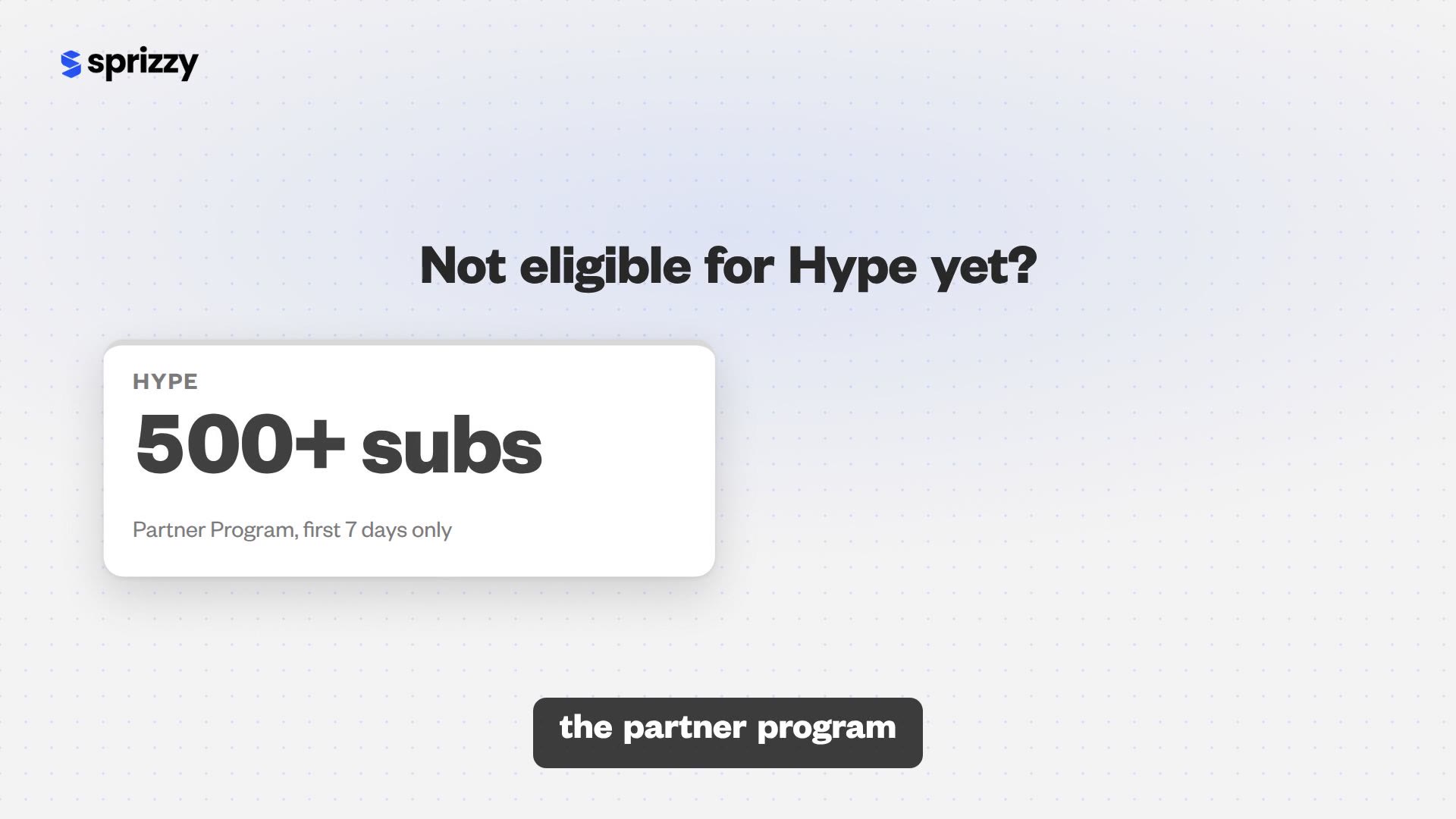
Hype is a button viewers see on long-form videos from Partner Program channels with 500 to 500,000 subscribers, for the first seven days after upload. Each viewer can hype three times a week at no cost, and the most-hyped videos in each country land on a public leaderboard. It is the only native YouTube feature designed to promote small channels specifically, and almost no tool roundup mentions it.
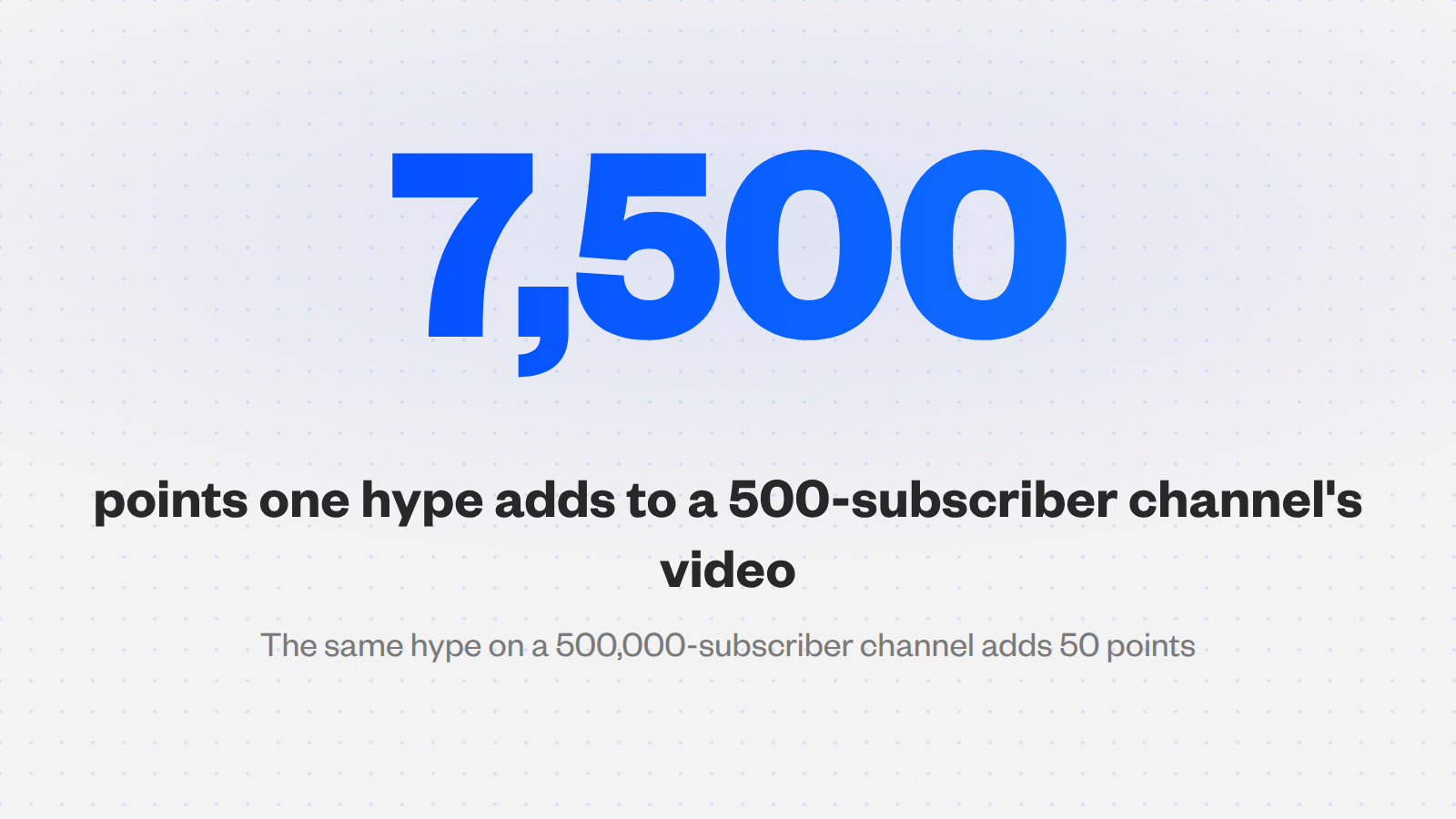
Smaller channels earn more per hype. YouTube’s Hype help page gives the exact weighting: “for a channel with 500 subscribers, hyping once results in 7,500 points to the video. However, for a channel with 500,000 subscribers, each hype results in 50 points.”
YouTube’s stated reason: “The small creator bonus helps to balance the playing field for creators with different amounts of subscribers.” A 500-subscriber channel needs 150 times fewer hypes than a 500,000-subscriber channel for the same score.
The rules that decide whether it works for you
- Window. Long-form videos “uploaded within the last 7 days”. Shorts are not eligible.
- Allowance. “You can hype three times each week.” It refreshes “On Monday mornings (12:00 a.m. local time)”.
- Leaderboard. “The leaderboard is not personalized, and will display the same list of videos to all viewers in the same country.” It shows the most-hyped videos over the last week.
- Countries. Available in 39 countries including the United States, United Kingdom, Canada, Australia, Germany, France, India, Japan, Mexico and Brazil.
How to use it: ask in the video, the pinned comment and a community post during the first 48 hours, while the viewers who care most are watching. Our guide to what to do after uploading a YouTube video covers the rest of launch day.
Under 500 subscribers, or not yet in the Partner Program? Hype is not open to you yet, and the fastest fix is to put the video in front of people who would choose to watch it.
Sprizzy does that through YouTube’s official ad platform, targeting by keywords, similar channels, location, age and gender, from $50.
A 500-subscriber channel earns 7,500 points per hype. A 500,000-subscriber channel earns 50.
Why does Test & Compare pick the thumbnail fewer people click?
Because it is not looking for clicks. YouTube’s A/B tool runs up to three titles or thumbnails on one video and picks the winner by share of watch time, so a thumbnail that gets fewer clicks but keeps those viewers longer wins on purpose. Most roundups describe it as a click-through-rate test, and creators then overrule a result they misread.
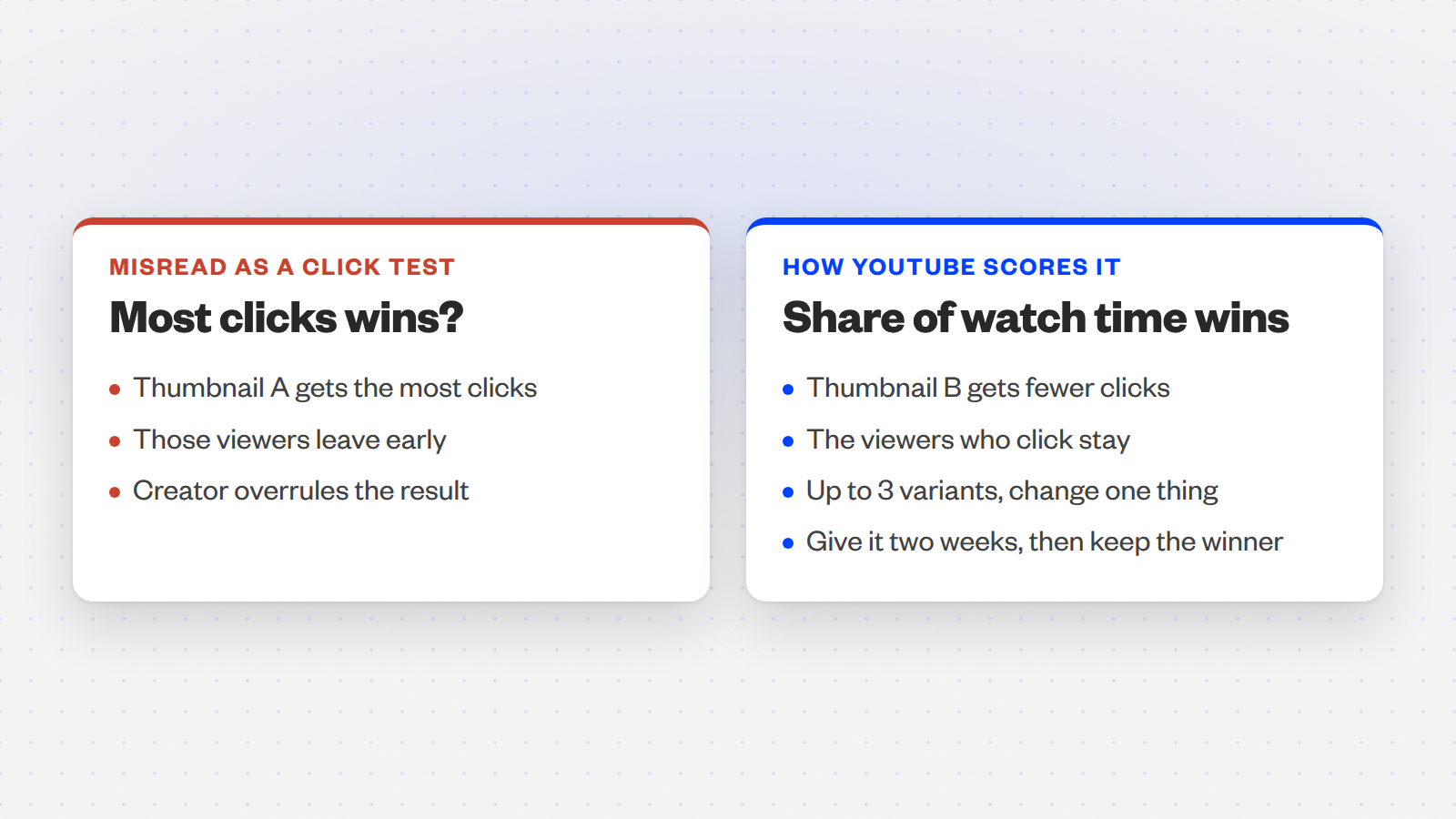
YouTube’s own words: “To help your video get high quality engagement, we optimize tests for overall watch time over other metrics, like click-through-rate.” That sentence is on the Test & Compare help page, and it changes how you should read every result.
| What you see | What it means |
|---|---|
| Winner has the lower click-through rate | It brought in viewers who stayed. Keep it. |
| Winner has the higher click-through rate | More clicks and at least as much watch time per impression. Keep it. |
| No clear winner after two weeks | The variants were too similar. Change the idea, not the colour. |
How to run one properly
- Start with an old video. YouTube says: “We recommend testing older videos first to reduce the impact to your channel’s overall views.”
- Change one thing. Three thumbnails with one title, or three titles with one thumbnail. Two changes at once teach you nothing about either.
- Make the variants different ideas. A different face, a different promise, a different object. Not the same frame in three colours.
- Give it two weeks. “Your test should be completed within two weeks.” Read the watch-time share, not the click column.
It runs on computers only, needs advanced features enabled, and cannot test Shorts, scheduled lives or Premieres. Made for kids videos are excluded too.
Where is the view count that actually pays you?
In a column you have to add yourself. Since 24 August 2026 YouTube counts a view “the moment a video starts to play across all formats”, including a thumbnail that autoplays while someone hovers. Earnings did not move with it: “YPP earnings will still be based on ‘engaged views’ and ‘engaged watch hours’.” The public number went up. The number that pays stayed where it was, and it is hidden by default.
The definition that matters: YouTube’s 19 August 2026 explainer says “An engaged view is defined as clicking to watch or watching past the initial seconds.” The views help page carries the 24 August date.

Where to find it: the only way to see that number is to open the advanced mode of YouTube Studio Analytics and add engaged views as a column.
In the mobile app it is not available at channel level. You open one video at a time.
- Open Analytics on desktop. Content tab, then the See more link to enter the table view.
- Add the column. Use the metric picker to add Engaged views beside Views.
- Judge a video on the engaged number. A big gap between the two columns is hover autoplay, not an audience.
Our explainer on views versus engaged views goes through what changed for monetization and for comparing old videos with new ones.
Views count from the first frame. Money counts from the engaged view. Only one of them is on your dashboard by default.
Which YouTube features find new viewers for videos you already made?
Three, all free and all inside Studio: auto-dubbing, which gives your existing videos audio tracks in other languages; Collaborations, which shows one upload to up to ten channels’ audiences; and Communities, a discussion space on your channel. Each adds viewers to videos you have already made, which is why they belong ahead of any subscription in a growth toolkit.
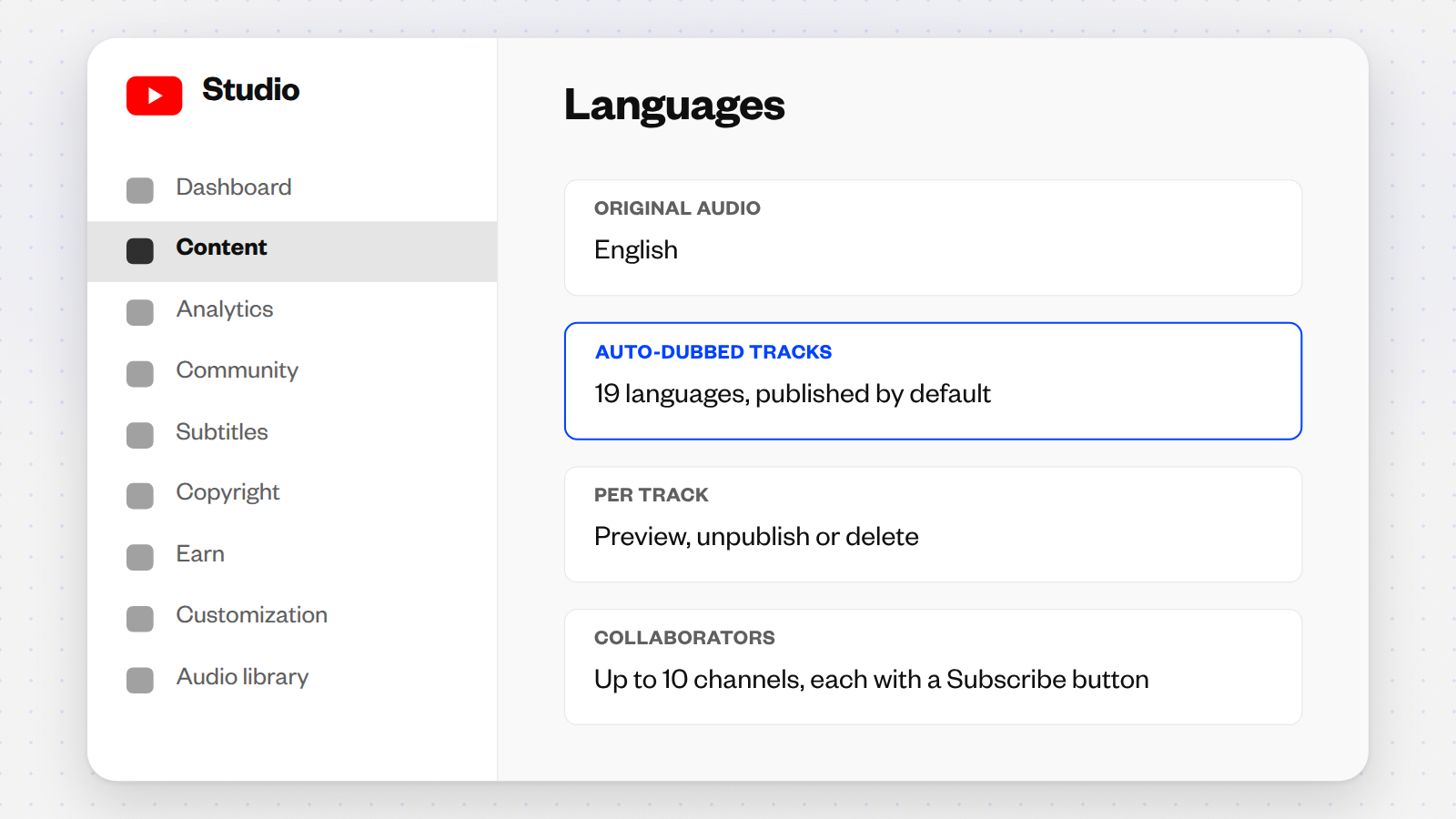
Auto-dubbing: on by default, so check what it made
The number YouTube published: “creators uploading Multi-language Audio tracks to their videos saw over 25% of their watch time come from views in the video’s non-primary language” (YouTube blog, 10 September 2025).
Auto-dubbing now covers 27 languages, eight with Expressive Speech that keeps your pitch and intonation, per YouTube’s May 2026 explainer. As of December 2025, over 6 million viewers watched ten minutes or more of auto-dubbed content every day.
The help page states “This feature is enabled by default for eligible creators.” An English video is dubbed into 19 languages. Under Content, open the video, then Languages, to preview, unpublish or delete any dub.
Collaborations: one upload, ten audiences
- Cap. “Collaborations let you invite up to 10 creators to be added as collaborators in your video” (Help 16554898).
- Reach. At launch YouTube said the video “will get shown to the audiences of all participating creators”.
- Formats. Long-form and Shorts, plus archived live streams, not live ones.
- Money. “The channel where the collaboration video was posted receives the earned revenue. Revenue is not split between collaborators.”
- Display. Each collaborator’s name and a Subscribe button appear once they accept, on desktop, mobile and TV.
Communities: the fan hub
A Community is “a dedicated space for you and your audience to connect with each other right from your channel”, where subscribers “can start discussions about your videos, share pictures” (Help 15739414).
You need access to posts, to be over 16, and a channel not set as made for kids.
Collaborations is the cheapest audience swap on YouTube: a guest appearance puts your video in front of a channel your size, and the Subscribe button for your channel sits under it. Pick partners whose viewers already watch your topic.
How do you preview a thumbnail inside the actual YouTube home page?
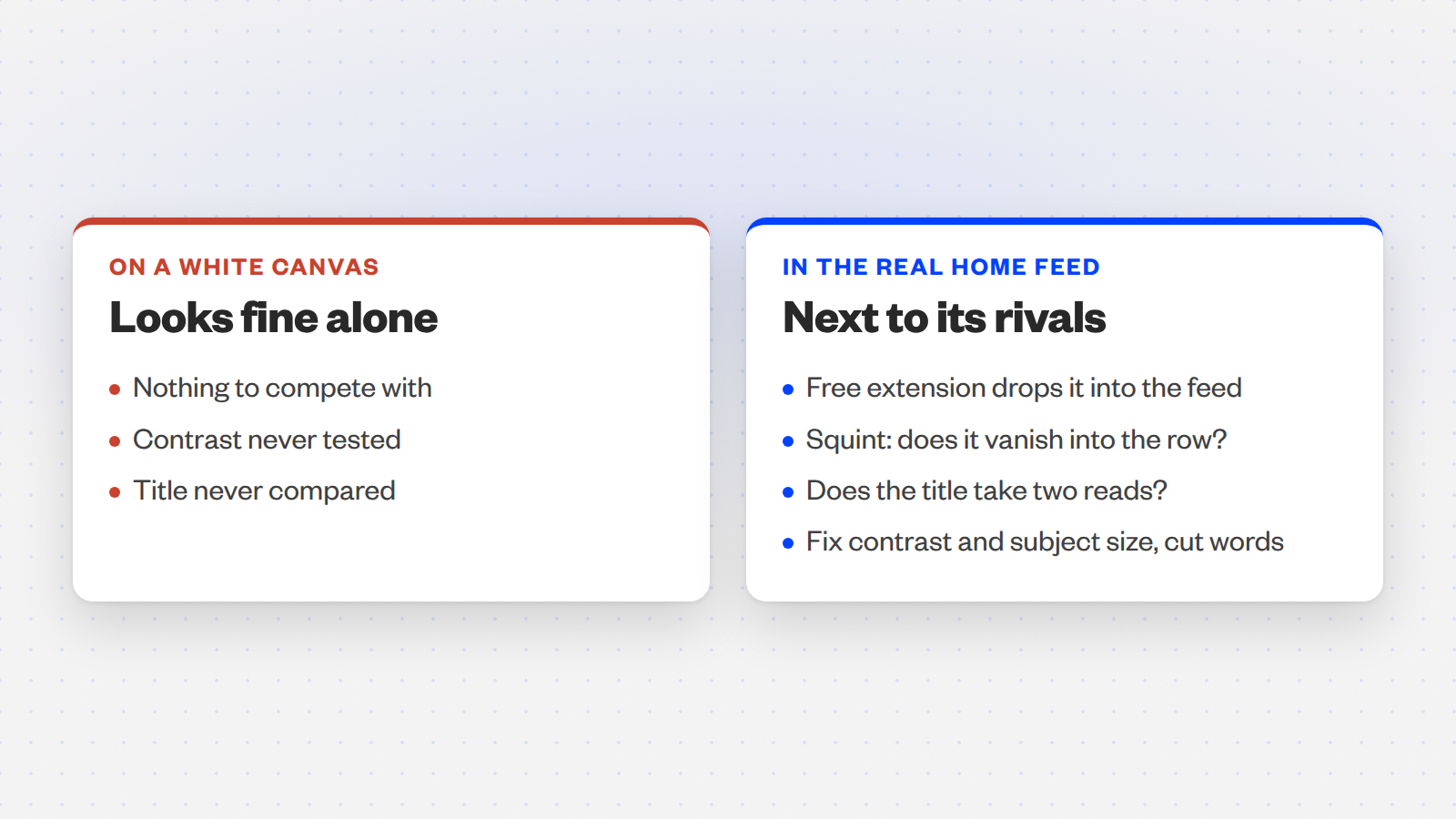
With a free browser extension that drops your image and title into your actual YouTube home page, next to the videos it will really compete with. Canva and Studio both show a thumbnail alone on a white canvas, which is not where anyone sees it. Two extensions do this, both free, both built by people who make videos.
| Extension | Who made it | What it does | Store listing |
|---|---|---|---|
| PrevYou | A working YouTuber | “Preview your video thumbnail and title on YouTube home page or subscription feed.” | Free, 6,000 users, 4.6 stars |
| Thumbnail Preview | thumbnailpreview.io | “Preview and test your thumbnails directly on YouTube.” | Free, updated January 2026, 4.9 stars |
What to look for: squint at the feed. If your thumbnail disappears into the row, the problem is contrast or subject size, not the font. If your title is the only one that needs two reads, cut words.
Both are small indie projects. PrevYou’s listing was last updated in September 2025, so check it still loads on your Chrome before you build a workflow on it.
A thumbnail is never seen alone. Test it in the feed it has to win.
What are outlier tools good for, and what are they not?
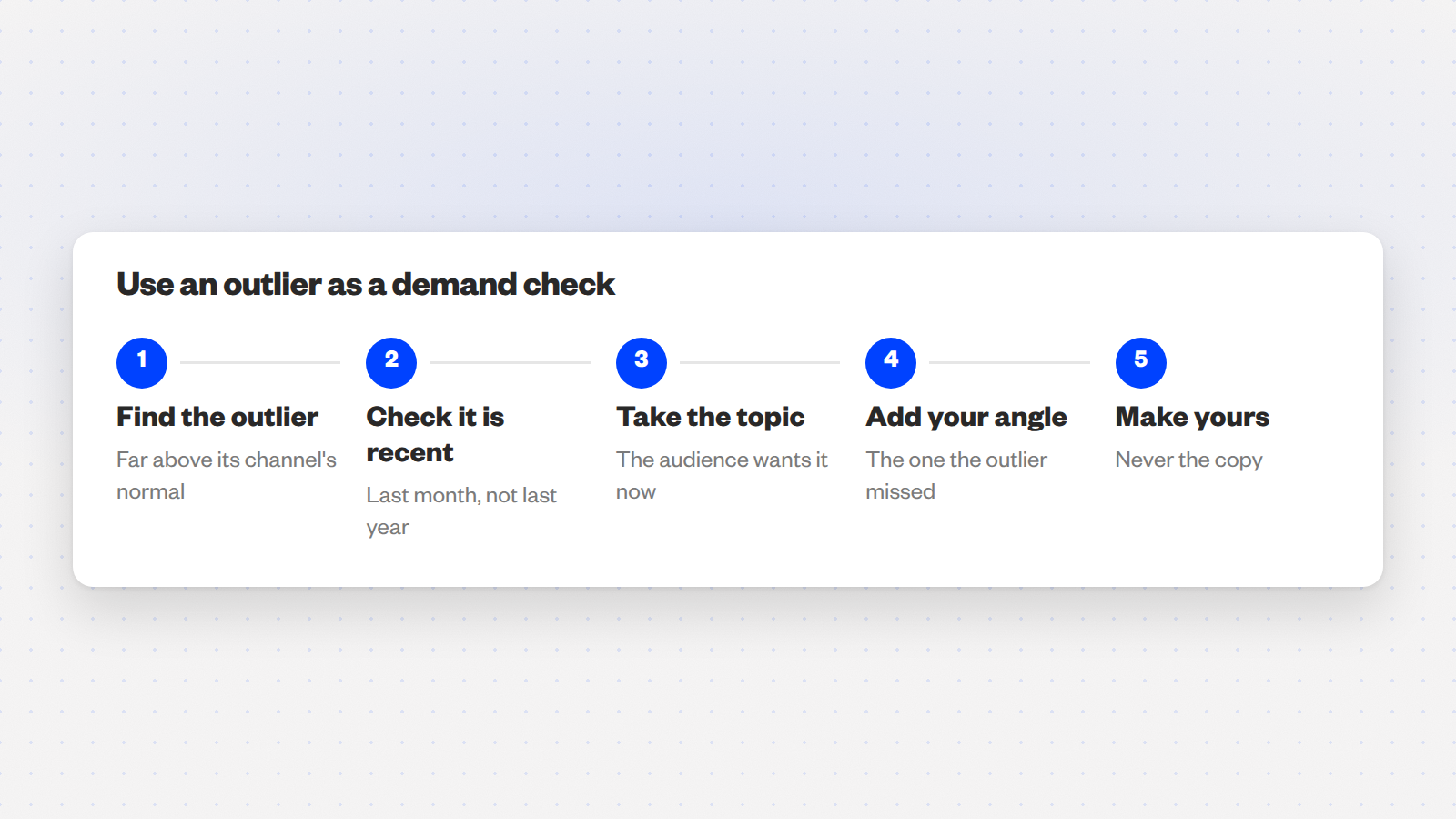
They are demand checks. An outlier is a video that did far better than its channel’s normal, and tools like 1of10, TubeLab and OutlierKit find them across a niche in seconds. That tells you a topic has an audience right now. It does not tell you to make that video, and channels that copy outliers become the copies. Use them to pick the subject, then make yours.
What the strategists use: 1of10 is the tool most big YouTubers and strategists reach for, because it cuts the research down to minutes. It also sponsors some of the creators who recommend it, so weigh the enthusiasm.
The right way to use one: you are not copying the exact video somebody else made. You are verifying that people really enjoyed this topic.
| Tool | Free tier | Paid from | Best at |
|---|---|---|---|
| 1of10 | Search outliers, bookmark videos, track up to 3 channels | $29 a month, or $349 a year | Browser extension that tags outliers on any channel page |
| TubeLab | None (a free monetization checker extension only) | $29 a month, 200 credits; a year is 3 months free | Niche finder; revenue and RPM filters on Pro |
| OutlierKit | 10 credits, no card | $29 a month, or $199 a year | Credit-based outlier search; $10 tops up 100 credits |
Only recent outliers count. A video that popped a month ago tells you what the audience wants now; one from last year tells you what it wanted last year. Then add the angle the outlier did not cover.
Are vidIQ, TubeBuddy, Gling or Morningfame worth paying for?
Each for one job, and none as the foundation of a channel. vidIQ has the useful free tier and the AI research tools; TubeBuddy is for bulk editing a back catalogue; Gling is the cheapest way to get editing hours back; Morningfame is the low-cost keyword tool if you can find an invite. Prices below are from each tool’s own pricing page on 16 September 2026.
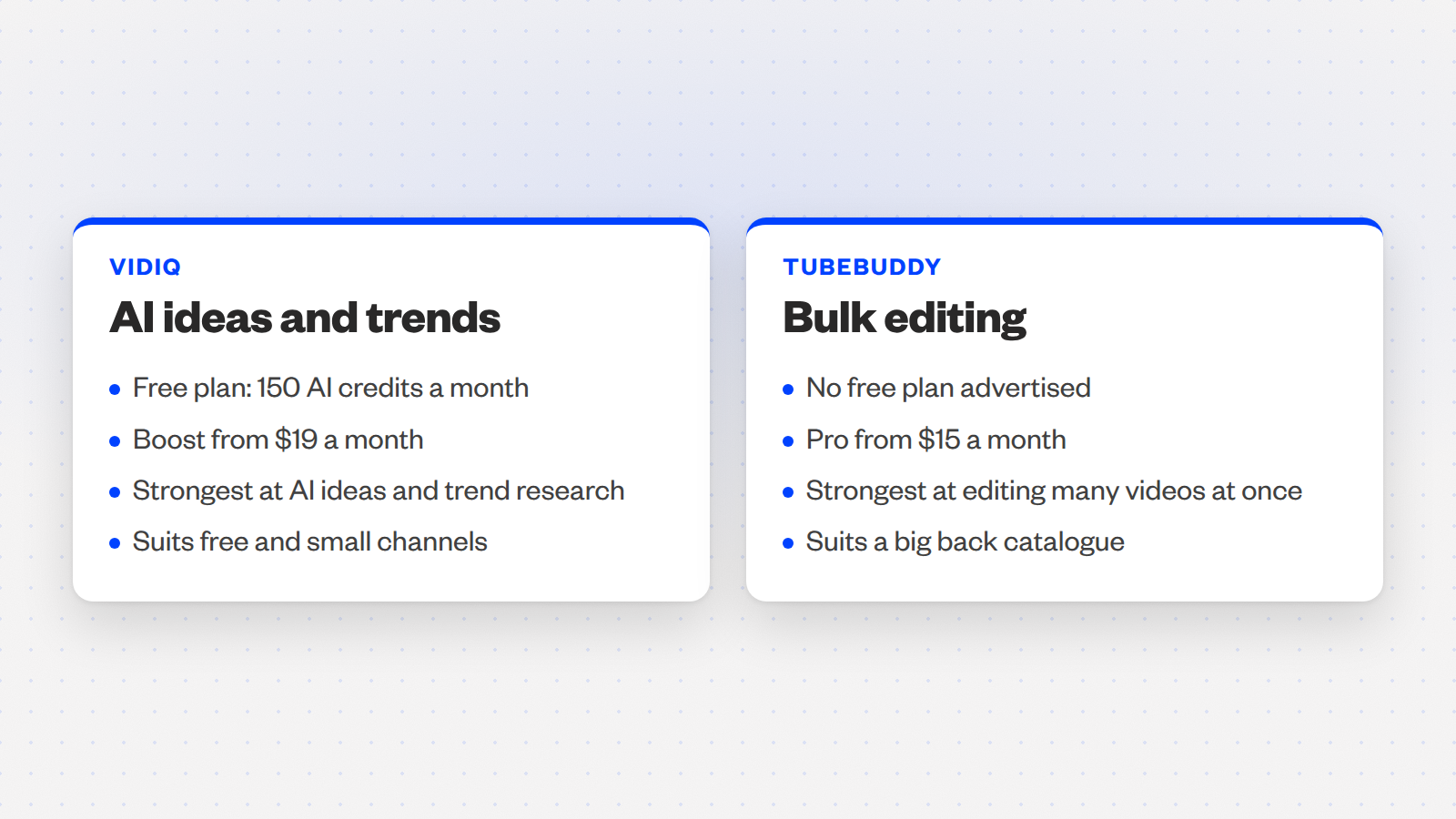
The free plan’s 150 AI credits a month cover a small channel’s research; pay for Boost only once you use them up every month.
- Best for
- Topic and title research, trend alerts, an AI coach that reads your own analytics
- Price
- Boost $19 monthly or $16.58 on yearly billing (2,000 credits); Max $49 or $39 yearly (6,000 credits)
- Pros
- Real free tier, no card
- Its research tools are the ones Studio does not have
- Cons
- Credits run out fast if you lean on the AI
- Analytics duplicate what Studio shows for free
Pay it for editing many videos at once, not for tag research, which YouTube says plays a minimal role in discovery.
- Best for
- Bulk find and replace, bulk end screens and cards across a large back catalogue
- Price
- Pro $15 monthly or $12 yearly; Legend $32.99 or $26.39 yearly; no free plan on the pricing page
- Pros
- Lives inside Studio
- Strongest bulk tools of any suite
- Cons
- No advertised free tier
- Headline tag features optimise something YouTube says barely matters
An AI editor that cuts silences and bad takes from a transcript, which is the one editing task that eats a solo creator’s week.
- Best for
- Talking-head channels that publish weekly and edit alone
- Price
- Free plan covers 1 hour of AI-edited media a month; Plus $20 monthly or $10 on yearly billing; Pro $40 or $20 yearly
- Pros
- Free hour is enough to test on a real video
- Yearly billing halves every paid tier
- Cons
- One free hour a month, then a subscription
Invite only, first month free, and Basic gives full access for 24 hours every 12 days, which is enough to plan two weeks of videos.
- Best for
- Keyword research and plain-language analytics on a tiny budget
- Price
- Basic $4.90 a month with limited access windows; Plus $12.90 a month with no limit
- Pros
- Cheapest paid tool on this page
- Explains its numbers in sentences
- Cons
- You need an invite code from another creator
- Basic’s 24-hour windows need planning
Which old video should you repackage first?
The almost-winner: a video with plenty of impressions, an average view duration as good as your other videos of the same length, and a low click-through rate. People who clicked stayed, so the video works and the packaging does not. Most creators repackage the video that hurt the most instead, which is the one nobody was shown and nothing will fix.
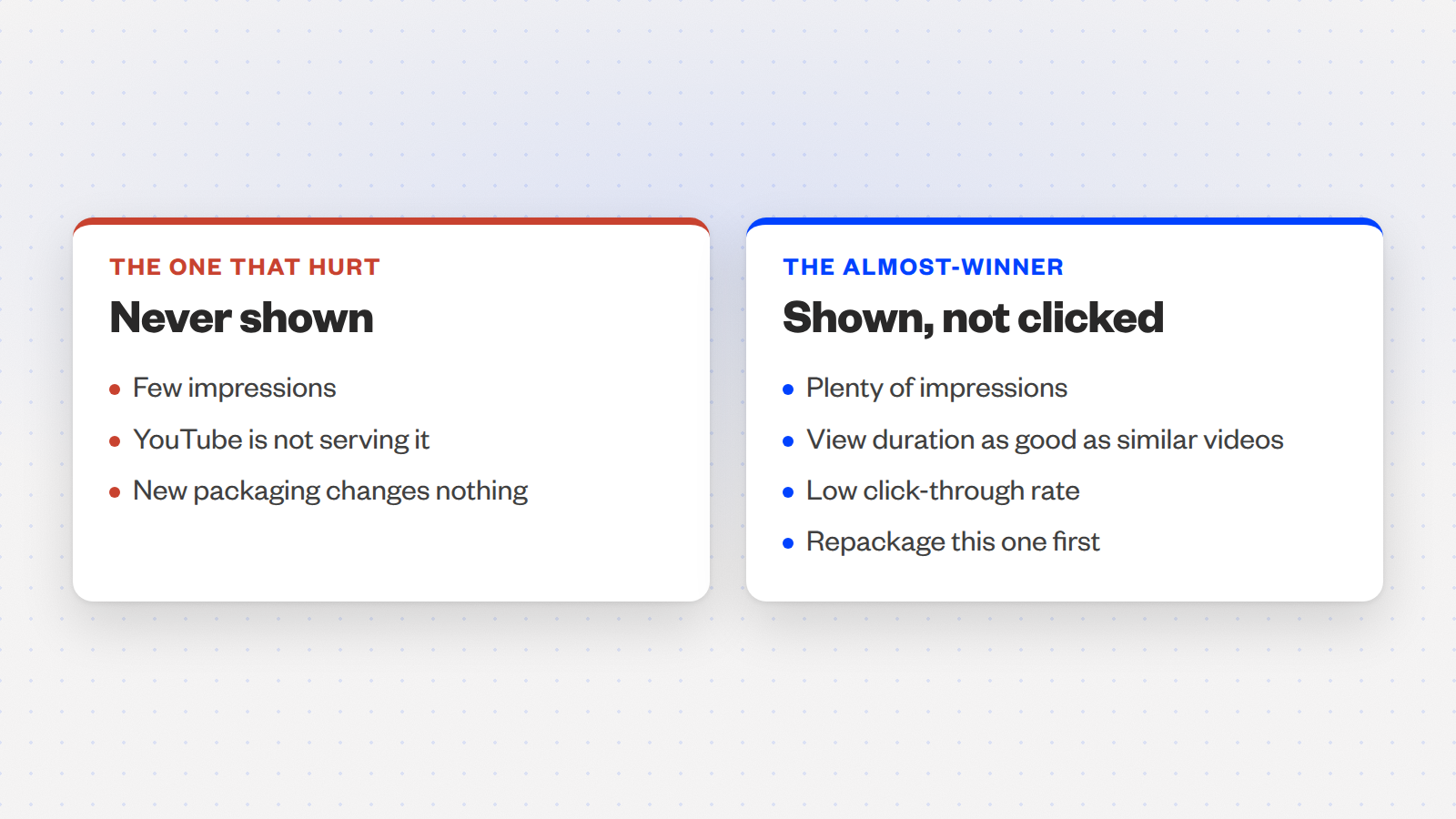
The heuristic, attributed: vidIQ at 0:39: “what we need to find is an almost winner. The type of video that when it first released, a lot of people weren’t clicking on it, but the people who did stayed until the end.”
- Set the range to 365 days. Analytics, Content, then See more, so older videos get a fair sample (1:04).
- Put four columns side by side. Impressions, impressions click-through rate, average view duration, watch time. Set the breakdown to Content so each video is its own row.
- Filter for impressions first. A video with no impressions is not being served, and new packaging will not change that.
- Compare duration against similar-length videos. A 12-minute tutorial is not judged against a 40-minute documentary.
- Pick the low click-through rate. That is the mismatch: a title that names the subject and never the outcome.
Then read the new packaging fast. Test & Compare needs up to two weeks of organic impressions to call a winner, and on a small channel those impressions arrive slowly.
A small Sprizzy campaign on the repackaged video puts it in front of targeted viewers in days, so you know whether the new title and thumbnail hold attention long before the test reports.
Repackage the video people stayed for, not the one they never saw.
What does Sprizzy do with your budget?
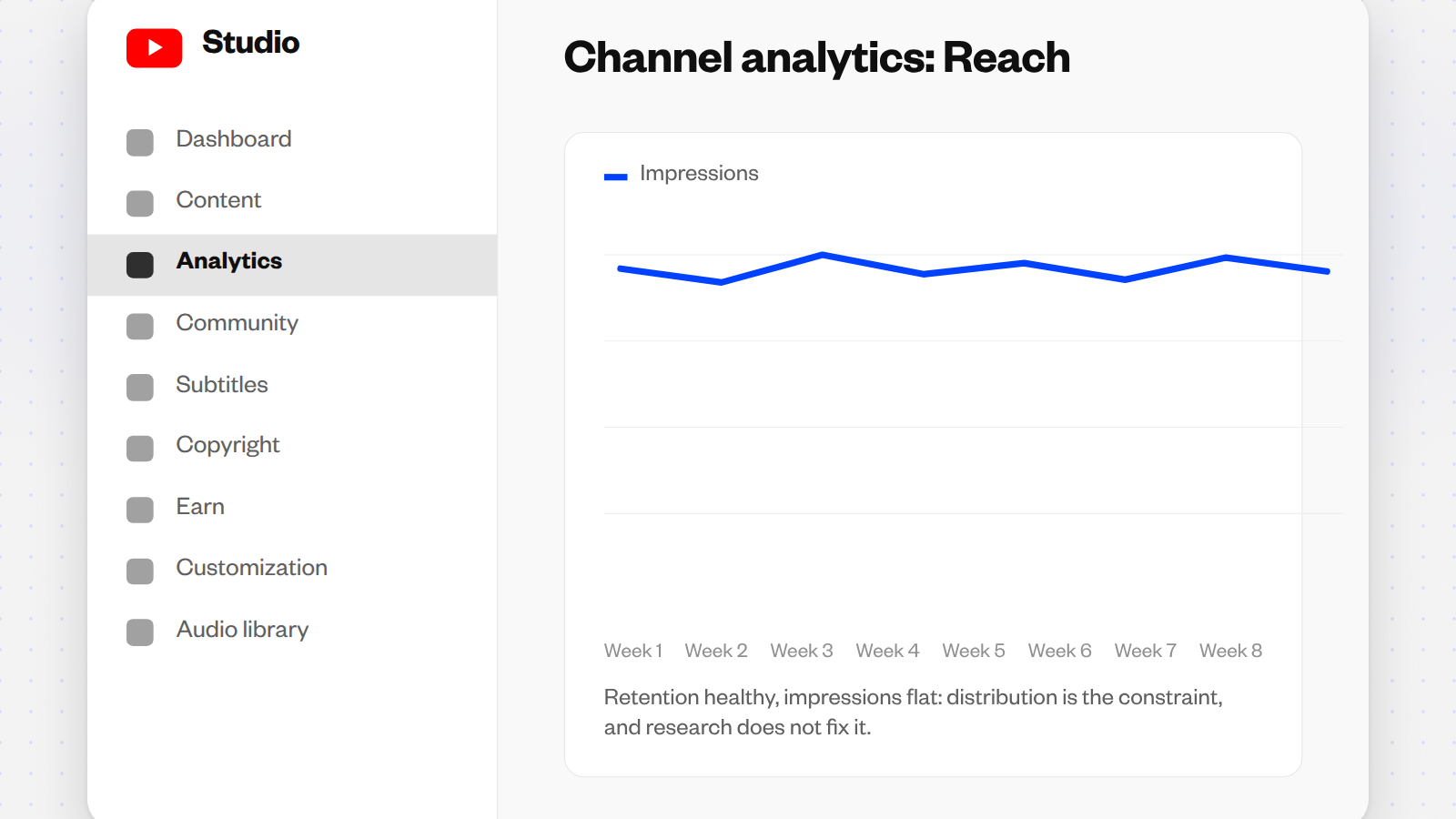
It supplies the one thing none of the tools above can: viewers. When retention is healthy but impressions are flat, distribution is the constraint, and no amount of research fixes that. This is exactly what Sprizzy is for: you pick the video and who should see it, and it runs the campaign on YouTube’s own ad platform, real viewers only, no bots, from $50.
- Targeting. Keywords, similar channels, location, age and gender.
- Testing. 200+ audience combinations tested, with the weak ones removed every hour.
- Real viewers. Every view is a real person on YouTube, through Google Ads, YouTube’s official ad platform. No bots.
- Pricing. Pay per view, one-time payment from $50, no subscription.
- Guarantee. Your first campaign comes with a money-back guarantee.
Pick the video first: the almost-winner from the section above is the one to promote. The same budget produces very different results, and the video decides. Sprizzy handles the Google Ads side; how Google Ads works for YouTube creators shows what that involves.
Test it with a small budget. Sprizzy campaigns start at $50 and your first one comes with a money-back guarantee. Still weighing whether to spend at all? Our answer to whether paying to promote a YouTube video is worth it is the honest version.
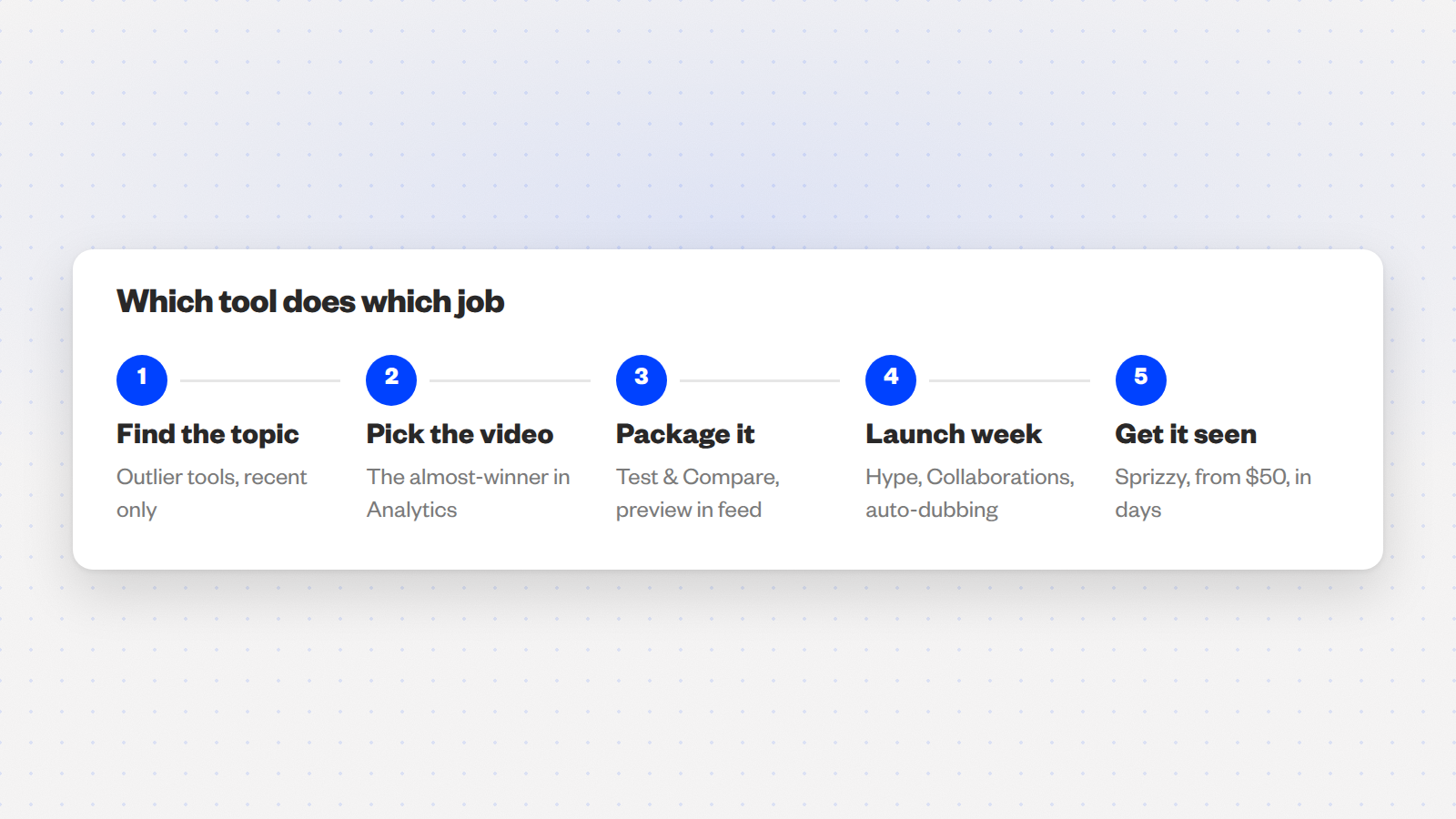
Which tool does which job?
Everything on this page, in one table. The last column is the part the roundups leave out: the rule or the reading that changes how you use each tool. Every feature in the first half is free and lives inside YouTube.
| Tool | Free tier | Best for | What the roundups miss |
|---|---|---|---|
| Hype | Free, native | Launch-week push, 500 to 500K subscribers | A 500-subscriber channel earns 7,500 points per hype; 50 at 500K |
| Test & Compare | Free, native | Packaging on older videos | Winner is picked by watch time, so the less-clicked thumbnail can win |
| Engaged-views column | Free, native | Reading a view spike | Hidden until you add it in the table view; not at channel level |
| Auto-dubbing | Free, native | Reach from existing videos | On by default; 25%+ of watch time from other languages for multi-track creators |
| Collaborations | Free, native | Audience swaps | Up to 10 collaborators; revenue stays with the uploader |
| PrevYou / Thumbnail Preview | Free extensions | Thumbnail in a real feed | Built by creators, not marketing suites |
| 1of10 / TubeLab / OutlierKit | Free tier or credits | Demand checks | Use for the topic, never the video |
| vidIQ / TubeBuddy | vidIQ free; TubeBuddy none advertised | Research; bulk editing | Tag features optimise something YouTube says barely matters |
| Gling / Morningfame | 1 hour a month; first month free | Editing time; cheap keywords | Morningfame is invite only; Gling’s free hour is a real test |
| Sprizzy | From $50, one-time | A good video nobody sees | Reads new packaging in days, then keeps the viewers coming |
If free instruction is what you need before any tool, we checked which YouTube channels actually teach YouTube growth, upload by upload.
The free stack finds the video and packages it. Sprizzy gets it seen.
Common questions
Is YouTube Hype free to use?
Yes. YouTube's help page says viewers can hype long-form videos from Partner Program channels with 500 to 500,000 subscribers up to three times each week at no cost, and the allowance refreshes every Monday. Paid hypes with Jewels exist in a few countries, but the free ones are what put a small channel on the country leaderboard. Only videos uploaded in the last seven days can be hyped.
Why did Test & Compare pick a thumbnail with a lower click-through rate?
Because that is how it is built. YouTube states it optimizes tests for overall watch time over other metrics like click-through rate, so a thumbnail that draws fewer clicks but keeps those viewers watching longer is the winner. Read the result as a watch-time decision, keep the winner, and change the idea rather than the colours if no variant pulls ahead within two weeks.
Why did my views jump in late August 2026 without more revenue?
Since 24 August 2026 YouTube counts a view the moment a video starts to play, including a thumbnail that autoplays while someone hovers. Earnings still follow engaged views, defined as clicking to watch or watching past the initial seconds. Open Analytics on desktop, enter the table view under Content, and add the Engaged views column to see the number that pays.
Can you check or turn off an auto-dub before viewers hear it?
Yes, on desktop. Auto-dubbing is enabled by default for eligible creators, so dubs are created without you asking. In YouTube Studio open Content, select the video, then Languages, where each dubbed track can be previewed, unpublished or deleted. YouTube's help page notes that managing dubs is only available from a computer, not the mobile app, so check there after every upload.
Do outlier tools like 1of10 mean copying other channels' videos?
No, and that is the mistake that makes copied channels fail. An outlier tool shows that a topic did far better than a channel's normal, which tells you the audience wants it right now. Use that as a demand check, then make your own angle on the subject. The right frame is verifying that people enjoyed the topic, not copying the video.
Is vidIQ or TubeBuddy better for a small channel?
vidIQ, if you want something free. Its free plan includes 150 AI credits a month for research, while TubeBuddy's pricing page lists Pro at $15 a month and Legend at $32.99 with no free plan advertised. TubeBuddy wins on bulk editing across many videos, which matters once you have a large back catalogue. Neither is the foundation of a channel; YouTube's own free features are.
Do YouTube tags still matter in 2026?
Barely. Google's help documentation says tags can be useful if your video's content is commonly misspelled and otherwise play a minimal role in discovery, naming the title, thumbnail and description as the metadata that counts. Several paid suites still sell tag research as a headline feature, so it is the weakest reason on this page to pay for a subscription.
How do you know if a video needs new packaging or more reach?
Look at impressions and average view duration together. Plenty of impressions with a low click-through rate but healthy duration means the packaging is the problem, so run Test & Compare. Healthy duration with flat impressions means nobody is being shown the video, and that is a reach problem. Sprizzy puts that video in front of targeted viewers from $50, real viewers only.