

Keywords and placements are two different things
Keywords are what people search for and watch on YouTube. They tell Google what kind of content your ad belongs next to.
Placements are specific channels and videos. They put your ad next to content you have picked yourself. If you know which channels your audience watches, placements are the most direct targeting you have.
Avoid broad words
If your video is about how to tie a tie, words like clothes or men are too broad. They put your ad in front of people who have no interest in your video, and your budget goes with them.
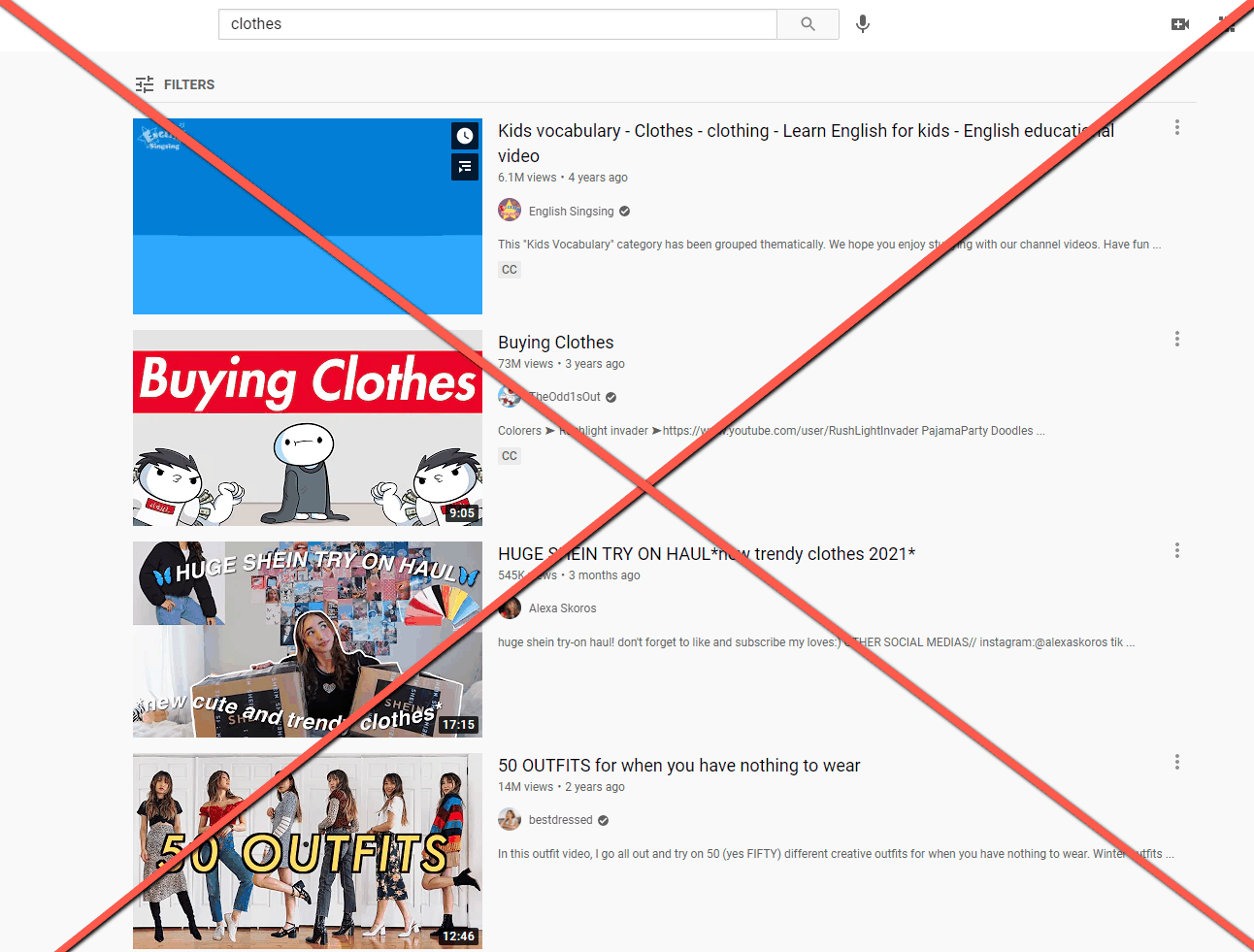
Match the subject exactly
For the same video, these work far better:
- how to tie a tie
- tie a tie easy
- tie a tie for a wedding
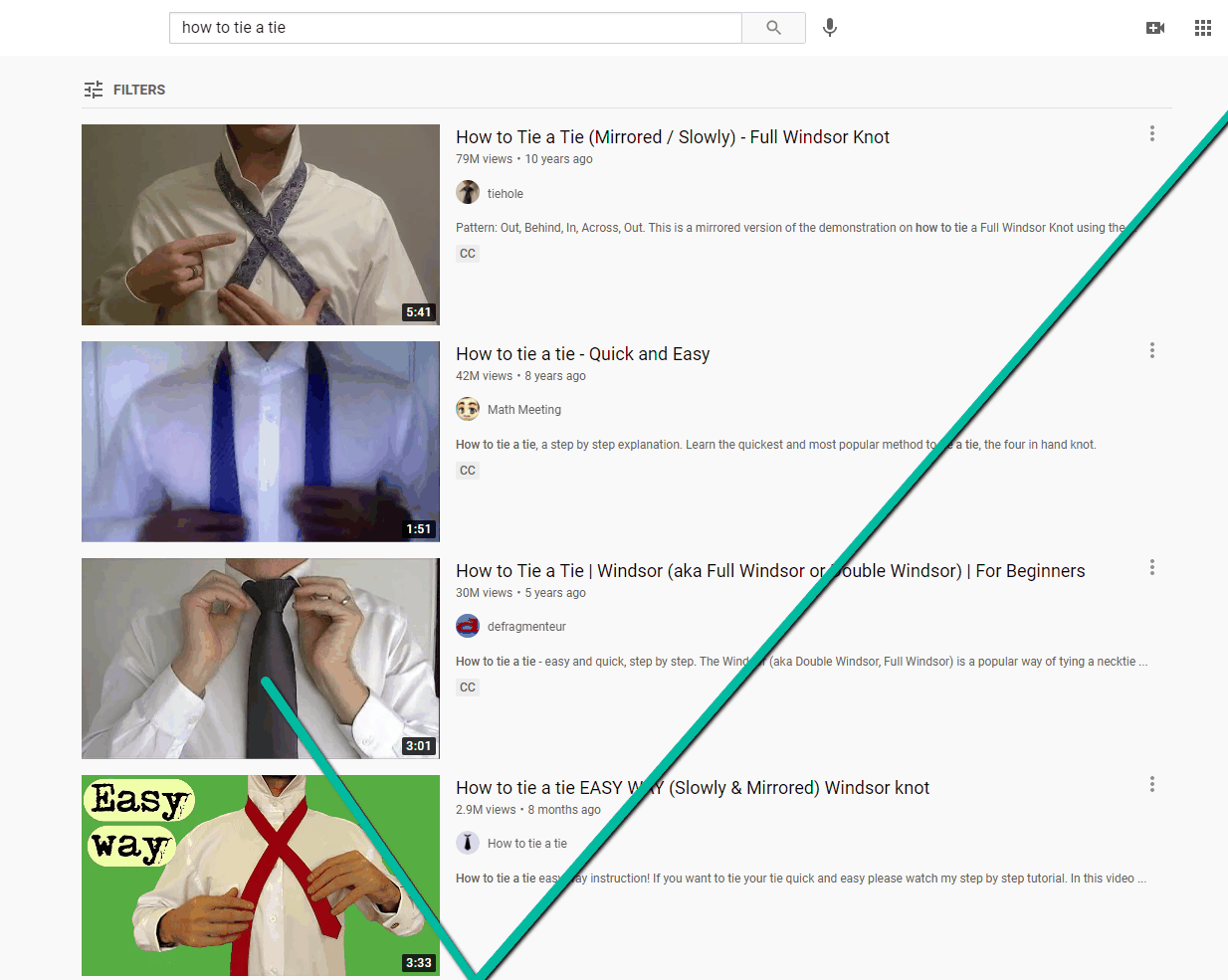
If the video is about one specific knot, go one level deeper:
- how to tie a half windsor
- half windsor knot tutorial
Do not go so narrow that nobody searches it
Phrases like the easiest way to tie a half windsor knot for a wedding suit have almost no searches. They will not hurt your campaign, but they will not do anything either.
Two quick checks
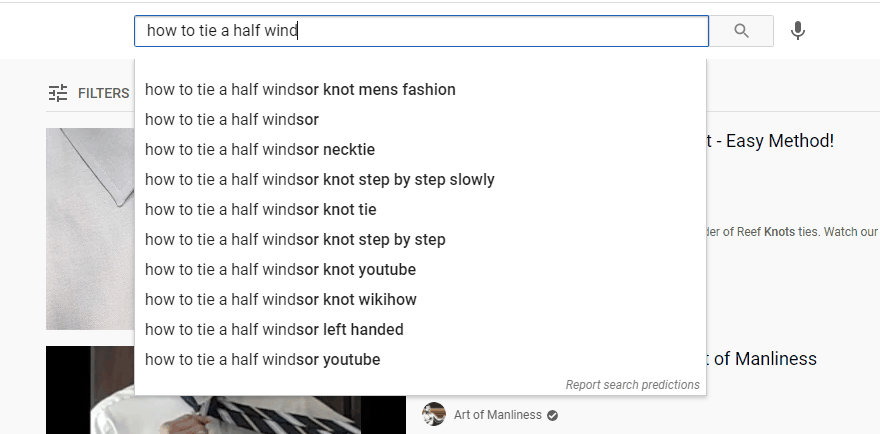
Use auto-suggest. Start typing your topic into YouTube or Google search and look at what it suggests. Those are phrases people actually type.
Search the keyword yourself. If the results look nothing like your video, it is the wrong keyword.
Blocked keywords
Some words cannot be used at all, because Google restricts advertising on those topics. The builder tells you when a keyword contains a blocked word. See Why are some of my keywords blocked?.
What to do next
Open Edit Campaign, then Targeting, and replace your broadest keywords with phrases that describe exactly what your video shows.