

Why the video cannot be swapped
Google Ads reviews and approves the exact video in your ad. Once that has happened, changing the video would mean an unreviewed video running as an ad, so the promotion has to be replaced instead.
If your promotion has not been reviewed yet, and still shows Pending Review, email support@sprizzy.com straight away and tell us which video you want instead. We will find it on your channel and can usually swap it before it goes to Google.
How to move to a new video
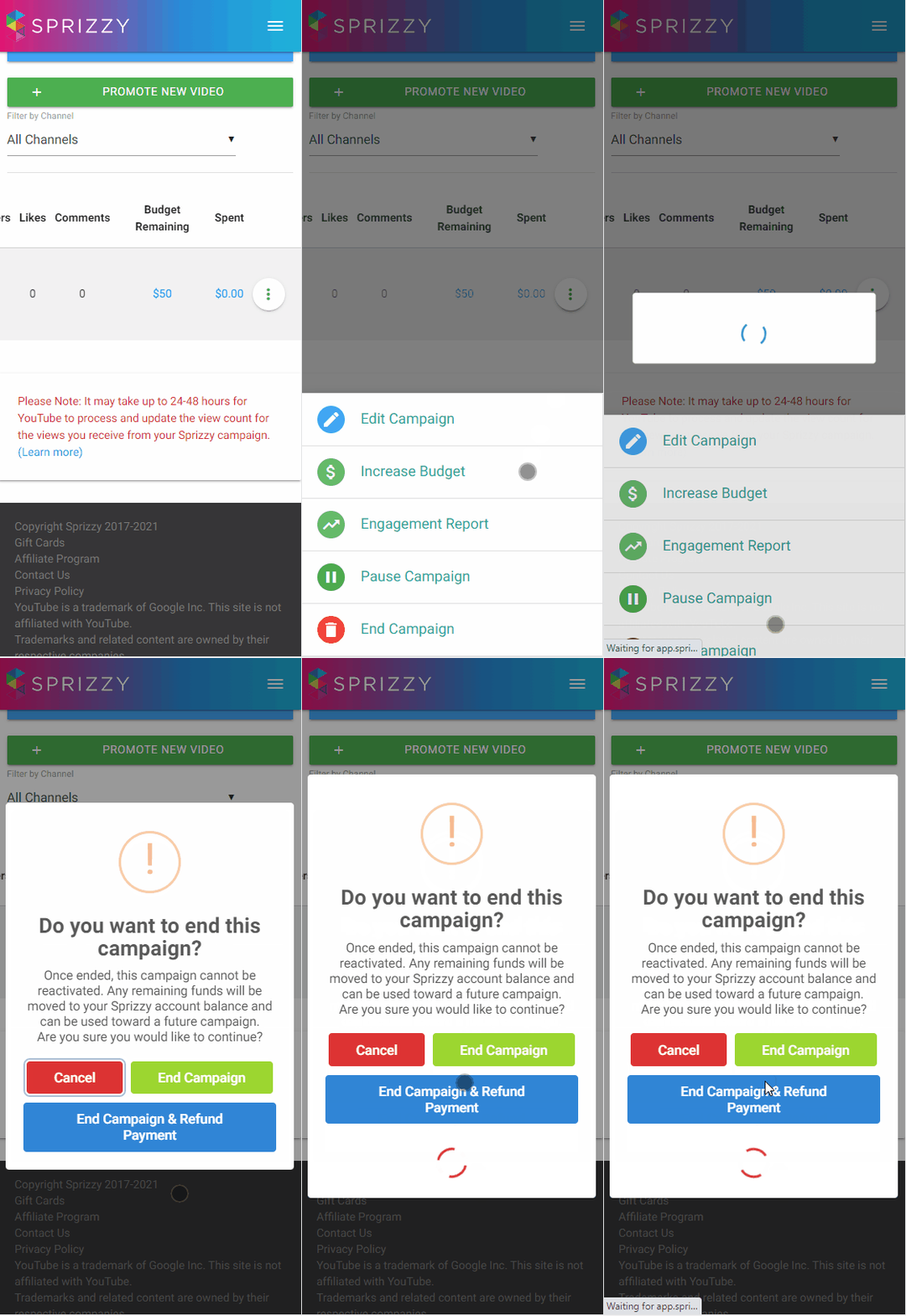
- Open the campaign menu and choose End Campaign, then End Campaign, so the unspent budget goes to your Sprizzy account balance.
- Wait about 10 minutes for the balance to update. Sprizzy is pulling the final spend figures from Google Ads.
- Create the new promotion. At checkout, apply your account balance to pay for it.
If you start the new promotion before the money has landed, the system may ask you to pay again. If that happens, you can refund the extra payment from Payment History.
There is a shortcut: the campaign menu has Create Duplicate, then Duplicate With a New Video. It keeps your promotion set-up as a starting point. Check the targeting before you submit, because keywords and placements do not always carry over.
Running several videos at once
You can. Each video gets its own promotion, with its own budget and targeting, and they can all run at the same time.
Promoting the same video a second time? Read Why did a second promotion of the same video do differently from the first? first.
What to do next
End the old promotion, wait about 10 minutes, then create the new one and pay from your account balance.