YouTube’s guide to frozen view counts has been opened 74,000 times, and every answer comes down to one paragraph in YouTube Help. Below: that paragraph, the three counters it covers, and a five-minute check that separates a frozen count from a video nobody is watching.
What does a frozen view count actually mean?
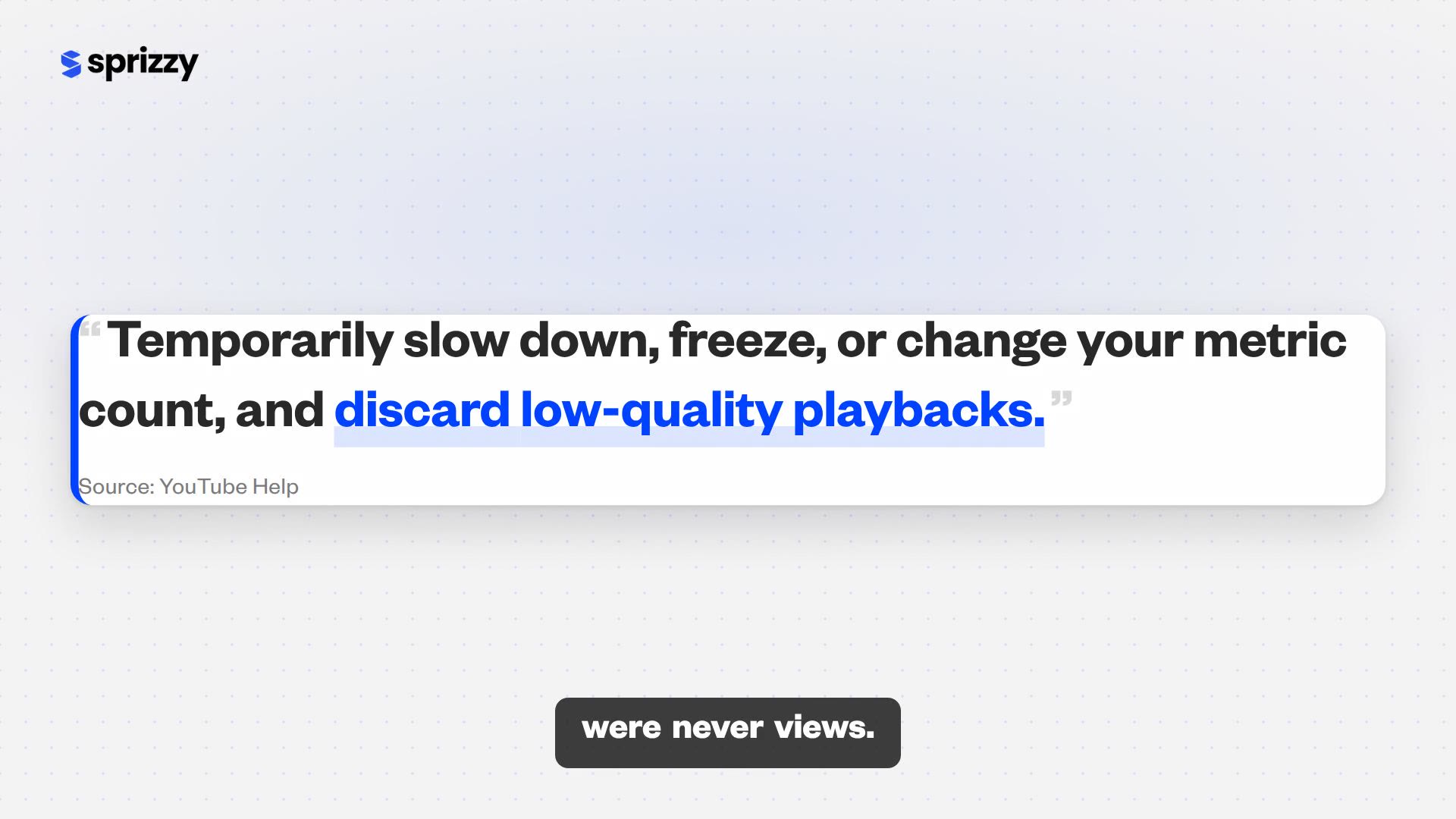
A frozen view count means YouTube is checking the views before it shows them, not deleting them. YouTube Help’s page on how engagement metrics are counted says metrics are “algorithmically confirmed to maintain fair and positive experiences for content creators, advertisers, and viewers,” and that during the check YouTube may “temporarily slow down, freeze, or change your metric count, and discard low-quality playbacks.” Views that pass are added. Views that fail were never views.
What gets discarded: the same page gives two examples of a low-quality playback, and both are things creators do to their own videos while waiting.
- “Using several devices to watch the same video.”
- “Streaming the same video across several windows and tabs.”
- Duplicate playbacks, in the wording of Google Ads Help, which describes the same check from the advertiser’s side.
The YouTube Community guide on frozen counts, written by a Platinum Product Expert in December 2023, reduces the mechanism to three words: slow down, freeze, adjust. As of October 12, 2026 it has 74,000 views, 2,100 upvotes and 327 replies.
The check is not a penalty. It sits on the same YouTube Help page that defines what a view is, and it runs on every channel and every video. Nothing about your channel triggered it.
Which of your three view counters is frozen?
Usually only one. The number under the player is the public count, and it is the one that freezes, because it is the one YouTube verifies before it displays. YouTube Analytics in Studio runs on its own schedule, and the Realtime card is an estimate of the last 48 hours. When the public number stops, open the other two. If they are moving, your views exist and are waiting to be confirmed.
| Counter | Where you see it | What it shows | Does it freeze? |
|---|---|---|---|
| Public view count | Under the player, in search, on your channel page | Views after YouTube’s verification | Yes. This is the one that stops. |
| Analytics Views | Studio, Analytics, per video and per date | Views by date; YouTube Help warns of “a delay of a few days” | Lags, but does not stop at a number |
| Realtime card | Studio, Analytics, Overview | Estimated views for the last 48 hours and last 60 minutes | No. YouTube Help notes the estimate may differ from the watch page |
Since August 24, 2026 the public count is also looser: a view is counted “the moment a video starts to play,” while the older definition lives on in Analytics as engaged views. The views versus engaged views guide covers both.
If the frozen number belongs to a video you promoted with ads, there is a fourth counter, the billed view in the ad report. Why paid views do not match Analytics lays the three side by side.
Frozen means queued for verification. The Realtime card is where the queue is visible.
Why did counts stop at 301, and why do they freeze at any number now?
Until August 2015, every video that passed 300 views showed “301+” while YouTube verified the rest. A YouTube product manager explained in 2012 that the line sat where the database stopped trusting views and started checking them, “calculated to be at about 300,” and a “less than or equal to” in the code let the 301st view through. On August 5, 2015, YouTube announced it was “saying goodbye to 301+.”
What replaced it: the system described at the time confirms views that clearly come from real people straight away and holds the rest in a separate category to be checked on the fly. The freeze did not end in 2015. The fixed number did.
- There is no magic number. A count can stop at 12, at 301 or at 48,000, because verification now runs against every video continuously.
- The pause is shorter than the old batch. Views that are obviously human clear immediately; only the questionable ones wait.
- Ad views go through the same gate. Google Ads Help uses the same wording: YouTube may “temporarily slow down, freeze, or adjust public display counts, discarding low-quality or duplicate playbacks.”
Sources for the history: the 2012 explanation and the August 2015 announcement.
If the count froze or fell right after an ad campaign, the review can run for up to 30 days. Why views drop after a promotion walks through that window and what is refunded.

How do you tell a frozen count from a video nobody is watching?
Open YouTube Studio and compare three numbers for the same video: the public count, the Realtime card, and the Analytics Views for the last two days. A frozen count has a moving Realtime card behind it. A video nobody is watching has a flat Realtime card, flat Analytics and a flat public count, and no amount of waiting changes that. The whole check takes five minutes.
A Short is the special case: since a view counts at play start, a Short at 0 was never served, and Shorts stuck at 0 views covers the classification and restriction checks.
- Open the Realtime card. Studio, Analytics, Overview. It shows the last 48 hours and the last 60 minutes. Moving bars mean people are watching and the public count is waiting on verification.
- Check Analytics Views for the video. Content, the video, Analytics. A rising line under a frozen public number is the classic verification pattern. YouTube Help’s own figure for this report is a delay of a few days.
- Note whether it is one video or all of them. One video frozen while others move is verification on that video. Every video flat while Realtime moves is the Analytics delay, not a freeze.
- Stop reloading. Several tabs and several devices on the same video are YouTube’s own examples of low-quality playbacks. They are discarded, and they are the one way to make the freeze last longer.
- Give it 72 hours before judging. Google Ads Help tells advertisers to allow YouTube Analytics at least 72 hours to update; the same clock is a fair one for organic views.
If step one shows a flat card, the count is not frozen. The video is not being shown to anyone, and that is a reach problem with a direct fix.
The fastest fix is to put the video in front of people who would choose to watch it. Sprizzy does that through YouTube’s official ad platform, targeting by keywords, similar channels, location, age and gender, from $50.
Moving Realtime card: wait. Flat Realtime card: the video needs an audience, not patience.
Is your subscriber count frozen too?
Probably not frozen, just rounded. YouTube Help’s page on subscriber counts says the public number updates for every new subscriber under 1,000, then in steps of 10, 100 and 1,000 as the channel grows. A channel at 1,004 subscribers shows 1K until it reaches 1,010. The exact figure is one click away in Studio, under See live count on the Realtime card.
| Public subscriber count | Updates every |
|---|---|
| Under 1,000 | 1 subscriber |
| 1,000 to 9,999 | 10 subscribers |
| 10,000 to 99,999 | 100 subscribers |
| 100,000 to 999,999 | 1,000 subscribers |
| 1,000,000 and up | Progressively larger steps, from 10,000 |
A count that falls is different. YouTube removes closed accounts and spam subscribers, and Help says they “won’t count toward your total number of subscribers.” That removal does not touch views or watch time; how to read a subscriber drop is its own guide.
The channel page shows the rounded number. See live count shows the real one.
What should you do while the count is frozen?
Leave it alone and look at the metric that pays. Since August 24, 2026 the public count rises the moment a video starts to play, while earnings and Partner Program eligibility stay tied to engaged views, the viewers who kept watching. YouTube Help states the change “doesn’t affect YouTube Partner Program earnings or eligibility.” A frozen public number touches neither. Your time goes into the next upload and into finding this one an audience.
How loose the public count is now: on 75,000-plus videos measured after the change, 100 public views held about 60 engaged views, and on channels under 50,000 views per video about 54.
That comparison is from a creator-marketing platform’s analysis published September 3, 2026, covering 549 million public views and 330 million engaged views.
- Read engaged views. Analytics, Advanced Mode. It is the number brands and the Partner Program use, and it never freezes on the watch page because it is never on the watch page.
- Finish the day-one checklist. What to do after uploading covers the pinned comment, the share plan and which numbers to ignore.
- Get the video an audience. Test it with a small budget. Sprizzy campaigns start at $50 and your first one comes with a money-back guarantee. Every view Sprizzy reports is tracked through Google Ads and verifiable in your own YouTube Studio analytics.
Those ad views pass through the Google systems that caught “over 99% of policy-violating ads before they ever served” and removed 8.3 billion ads in 2025, per Google’s 2025 Ads Safety Report. With Sprizzy you only pay when a real viewer watches your ad.
A frozen count on a video with real viewers behind it resolves itself. A frozen count on a video with no viewers behind it is the signal to change what you do next. Here is how a Sprizzy campaign works.
Common questions
Does refreshing the page add views to my video?
No. YouTube Help names streaming the same video across several windows and tabs, and watching it on several devices, as examples of low-quality playbacks, and those are discarded during verification. Reloading your own watch page gives YouTube more plays to throw out and keeps the count under review longer. Watch the Realtime card in Studio instead; it updates without touching the public count.
Why are my Shorts stuck at 0 views?
Since August 24, 2026 a Short counts a view the moment it starts to play, so a count that sits at 0 means YouTube has not served it to anyone yet, not that plays are being withheld. Check the Realtime card for the last 48 hours. If it is flat, the Short needs an audience. Sprizzy runs YouTube Shorts ads in the Shorts feed, targeted by keywords, similar channels, location, age and gender, from $50.
Is a frozen view count a penalty or a strike?
No. Verification is part of how YouTube counts every view, on every channel, and YouTube Help lists it on the same page that defines a view. A strike or a policy action shows up as a notice in YouTube Studio, with the policy named. A frozen public count with a moving Realtime card is the ordinary case, and nothing about your channel caused it.
How long does YouTube take to unfreeze a view count?
YouTube does not publish a fixed time. YouTube Help says counts may temporarily slow down, freeze or change while views are confirmed, and that YouTube Analytics can lag by a few days. Google Ads Help tells advertisers to allow YouTube Analytics at least 72 hours. If the Realtime card is moving, the views are there and the public number follows once verification clears.
Will the frozen views be added back?
The views that pass verification are added to the public count; that is the whole point of the pause. The ones that are discarded as low-quality playbacks were never counted as views in the first place, so there is nothing to add back for them. The YouTube Community guide on frozen counts puts it as slow down, freeze, adjust, and only the adjust step removes anything.
Why did my view count go down instead of freezing?
A falling count is the adjust step: YouTube found playbacks it does not count and removed them, which Google Ads Help describes as invalid views being removed from reporting. It is the same verification, finished rather than pending. If the drop followed an ad campaign, the guide to views dropping after a promotion covers the 30-day review window and the credit you receive for any view Google rejects.