

What you can change while a promotion runs
- Keywords
- Channel and video placements
- Countries and locations
- Ages, genders and languages
- Ad types: in-feed, in-stream, search and Shorts
- Budget, by adding funds
- The end date, by extending it
What you cannot change
- The video, once Google has approved the ad. See How do I promote a different video?.
- The promotion goal, once the promotion is approved.
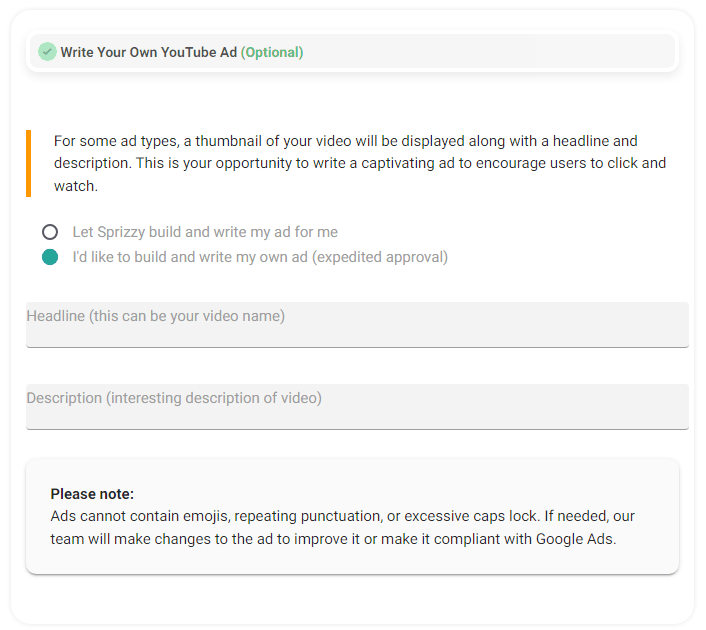
- The ad wording yourself, once the promotion is live. The Your ad fields lock when a promotion leaves the draft state, and the page says so under the fields. Email support@sprizzy.com with the campaign ID and the exact headline, long headline and description you want, and we will change it for you. The ad then goes through Google’s review again, usually within a day.
- A shorter end date. Email support@sprizzy.com with the date you want and a person will do it.
How to make a change
- Open Campaigns.
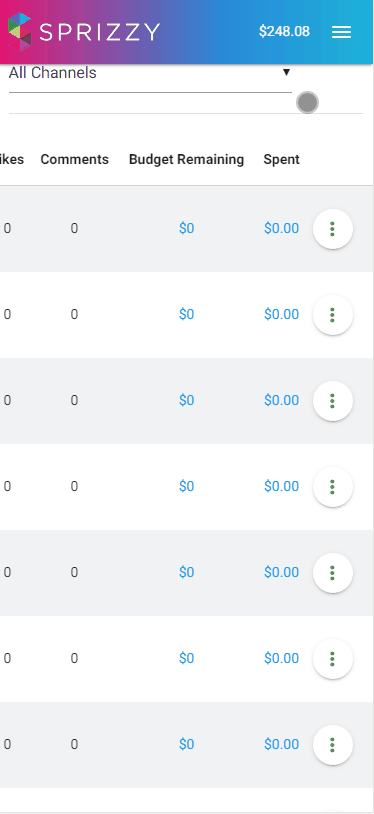
- Click the menu next to the promotion and choose Edit Campaign.
- Open the tab you need: Your ad for the ad types, Audience for who sees it, Budget for money and dates.
- Save.
Changes normally reach Google Ads within about an hour. Give a change at least a day before you judge it, because the promotion has to work out how the new audience responds.
Writing your own ad text
While a promotion is still a draft, open Your ad in the promotion builder. Sprizzy writes a headline and description for you by default. Click Change the wording and you can set your own headline, long headline, description and button. Once the promotion is live, the wording changes through support, as above.
If an option is greyed out
Some settings lock once a promotion is approved, and demographic targeting is restricted by Google for a few content types. Email support@sprizzy.com with the campaign ID and the exact change you want, and a person will tell you whether it can be done.
We never change your targeting without asking you first.
What to do next
Open Edit Campaign and make the change, then check the Engagement Report tomorrow rather than in an hour.