Google never sends a bill for a subscriber. It bills the view, and the subscription arrives as a free action. That is why one budget returns thirty subscribers on one video and two on another. Here are the public prices and what moves them.
How much does a YouTube subscriber cost through ads in 2026?
Between about $0.10 and $3.45 per subscriber, going by every public creator test we could find from 2023 to 2026, with most results landing between $0.40 and $2.20. The spread is not noise. In one November 2025 test, the same $13.50 budget bought 30 subscribers on one video and 2 on another, in the same week, on the same channel.
| Public test | Setup | Price per subscriber |
|---|---|---|
| January 2026, one video, three methods | Promote, subscriber goal | $1.00 (35 subscribers) |
| January 2026, same video | Google Ads, audience chosen by the system | $2.19 (24 subscribers) |
| January 2026, same video | Google Ads, hand-built search-term audience | $26 (2 subscribers) |
| November 2025, UK channel, about $13.50 per campaign | Promote, subscriber goal, video A | about $0.45 (30 subscribers) |
| November 2025, same channel | Promote, subscriber goal, video B | about $3.45 (2 subscribers) |
| October 2024, $200, US, UK and Canada | Promote | about $0.90 |
| December 2023, $100, US, UK and Canada, English | Promote | about $0.41 (241 subscribers) |
| December 2023, $100, every country and language | Promote | about $0.14 (710 subscribers) |
| December 2023, $100, lowest-cost countries, English only | Promote | about $0.10 (970 subscribers) |
Read it as a spread, not an average. The UK figures are converted from pounds at a round $1.35 per pound. Every row is one creator, one video and one budget, so the table shows the range a real campaign lands in.
The 2023 rows come from Promote’s first year, when its audience system worked differently. Treat them as the floor of the range. The 2025 and 2026 rows are the ones to plan around.
The price of the view underneath all of this is covered in our guide to what it costs to promote a YouTube video. This article is about the second number: how many of those views become a subscriber.
Why do you pay for the view and not the subscriber?
Google Ads bills the view and records the subscription as an earned action. In Google’s own definition, an earned action happens when someone views your video ad and then, within 7 days of that view, subscribes, likes, shares or adds a video to a playlist on your linked channel. You are not charged for earned actions. Cost per subscriber is simply spend divided by earned subscribers.
What that means in practice: the price of a subscriber is the price of the views it took to find one. At $0.04 a view, a video converting one viewer in twenty pays $0.80 per subscriber. One in five pays $0.20.
- The view is the only thing on the invoice. A campaign that finds 500 viewers and 50 subscribers costs exactly what a campaign that finds 500 viewers and 5 subscribers costs.
- The window is 7 days. Someone who subscribes on day nine is still your subscriber, but the campaign report never sees them.
- One person counts once. Google counts multiple views from the same person as a single earned view, so the subscriber count is people, not plays.
Cost per subscriber = views bought x price per view / subscribers gained. Only the last number is yours to change for free.
Does the campaign goal change what a subscriber costs?
Yes, more than any other setting. In a November 2025 test on one UK channel, two campaigns set to the subscriber goal spent about $20 and returned 32 subscribers from 62 views. Three campaigns on the same channel set to the views goal spent about $81, returned 1,856 views, and 2 subscribers. Each goal bought exactly what it was told to buy.
| Goal (same channel, same week) | Spend | Views | Subscribers | Price per subscriber |
|---|---|---|---|---|
| Subscribers (two campaigns) | about $20 | 62 | 32 | about $0.63 |
| Views (three campaigns) | about $81 | 1,856 | 2 | about $40 |
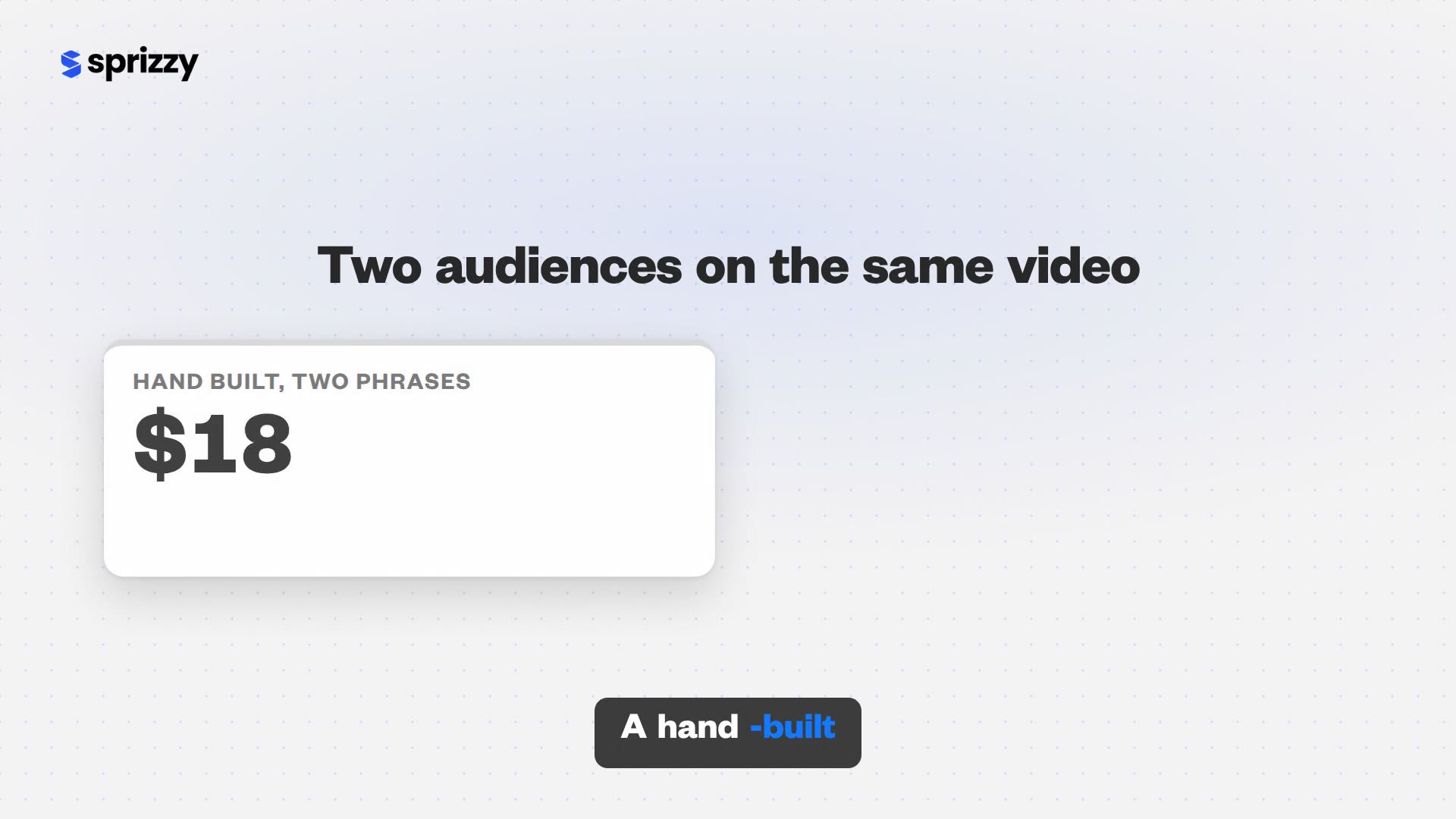
The January 2026 test says the same thing from the other side. One video ran three ways. Promote with the subscriber goal paid $1.00 per subscriber. A system-chosen audience in Google Ads paid $2.19. A hand-built audience of two search phrases paid $26.
The narrow audience was not wrong, it was expensive: $70 per thousand impressions against $3 for the other two. Google’s systems optimise hard for whatever objective they are given. Tell them subscribers, and they find people who subscribe, even people who never finish the video.
Decide what the campaign is for before you set a budget. A views goal is right for a launch or a sponsor deliverable. A subscriber goal is right when the number you report next month is the subscriber count.

Which targeting settings lower cost per subscriber?
Geography first, then interests. In a December 2023 set of $100 tests on one video, restricting to the US, UK and Canada returned 241 subscribers at about $0.41 each. Opening every country and language returned 710 at about $0.14. The lowest-cost countries with English only returned 970 at about $0.10. The discount came with a different audience: the cheapest countries subscribed the most and watched the least.
The lever cuts both ways. An October 2024 test in the US, UK and Canada landed at about $0.90 per subscriber and found the same pattern: every country added lowers the price, and moves the campaign away from the people your channel is built for.
- Countries. Open YouTube Studio, Analytics, Audience, and read your top countries. A campaign aimed there pays more per subscriber than a worldwide one and buys subscribers in the places your channel already works.
- Languages. Promote lets you set the language of the viewer as well as the location, so a worldwide campaign can still be English-only.
- Interests and channels. YouTube’s own Promote help page lists locations, languages and interests as the targeting you control. Similar channels and keywords are how you describe the viewer who would choose to subscribe.
This is the part Sprizzy runs for you. You enter keywords and similar channels, set location, age and gender, and it builds and tests 200+ audience combinations, removing the low performers every hour, so the budget stays on the audiences that perform.
The cheapest subscriber and the right subscriber are two different targeting settings. Pay for the second.
Which video gives you the cheapest subscribers?
The video with the highest subscribers gained per view, which is rarely the newest upload. In the November 2025 test, two videos ran with the same goal and budget in the same week. One converted 30 subscribers, the other 2, an eightfold price gap with every setting equal. Ads decide who sees the video. The video decides who subscribes.
- Find your converter. In YouTube Studio, open Analytics, Content, and sort your videos by subscribers gained. Divide by views to get subscribers per thousand views, and pick the top one.
- Check the end screen. YouTube’s end screen rules allow a Subscribe element in the last 5 to 20 seconds of any video over 25 seconds. A promoted video without one is leaving subscribers on the table.
- Ask early. A skippable in-stream view is billed at 30 seconds, and an in-feed viewer has already clicked. Put the reason to subscribe inside that window, not at minute six.
- Promote that video, not the new one. A new upload has no subscribe-rate data. Your proven converter does, and every subscriber it earns is cheaper because of it.
Sprizzy has done this for over 1.5 million channels since 2016, and the first decision in every campaign is the same one: choose the video, then describe the audience, then launch.
The video decides more than the budget.
How do you measure your own cost per subscriber?
Divide what you spent by the subscribers the campaign gained, and take the subscriber count from YouTube Analytics rather than from the campaign report alone. The two disagree by design. The campaign report counts a subscriber only inside 7 days of a billed view, while Analytics counts every subscriber the video gained. Its subscriber number also runs about 48 hours behind for spam review.
- Note the spend. Use the billed amount, not the budget. Campaigns can underspend, and Google removes invalid traffic for up to 30 days after a view without charging you for it.
- Open the advertising traffic source. In YouTube Studio, Analytics, Advanced mode, filter by traffic source “YouTube advertising” and read subscribers gained for the promoted video.
- Divide. Spend divided by subscribers gained is your cost per subscriber. Do it once at day 7 and once at day 14, because the second number is the one that includes the late subscribers.
- Compare with the report. The gap between the campaign report’s earned subscribers and the Analytics number is the 7-day window at work, not a fault in either.
YouTube’s subscriber count help states that the number in Analytics is approximately 48 hours behind the channel page. Measure a campaign two days after it ends, not the morning it stops.
One worry you can drop while you measure: YouTube’s Promote page states that promotions do not impact your channel’s or a specific video’s organic performance. We cover the mechanism in do YouTube ads hurt your channel’s organic growth.
What should you budget for your first 100 subscribers from ads?
At the prices in the public tests, 100 subscribers cost between about $45 and $220, and $50 is enough to learn where your video falls. Sprizzy campaigns start at $50 as a single payment with no subscription, and the budget selector on the pricing page shows estimated views and estimated new subscribers at every step from $50 to $1,000 before you pay.
| Budget | At $0.45 per subscriber | At $1.00 per subscriber | At $2.20 per subscriber |
|---|---|---|---|
| $50 | about 110 | 50 | about 23 |
| $100 | about 220 | 100 | about 45 |
| $250 | about 555 | 250 | about 114 |
The table is arithmetic on public test prices, not an estimate for your video. It shows that the video and the goal move the outcome five times over on one budget. The first campaign is the test; the second is the real spend.
Run the $50 first, read your own cost per subscriber, then put the larger budget behind the video that produced the cheapest ones. Your first Sprizzy campaign also comes with a money-back guarantee.
- Starting from zero? Pair the campaign with the groundwork in our guide to your first 100 subscribers.
- Still deciding whether to spend? Start with is it worth paying to promote a YouTube video.
One $50 campaign is a real test. It tells you your own price per subscriber before you spend the next $200.
Common questions
Does YouTube pay creators per subscriber?
No. YouTube does not pay a fee per subscriber; Partner Program earnings come from ads shown on your videos and from features like memberships. Subscribers matter because they see your uploads more often. When people ask what a subscriber costs, they usually mean the price of gaining one through ads, and public tests put that between about $0.10 and $3.45.
Is $1 per subscriber a good price?
In the public tests, yes. A January 2026 test paid $1.00 per subscriber with the subscriber goal, against $2.19 and $26 for two other setups on the same video, and a November 2025 test ranged from about $0.45 to $3.45. Whether $1 is good for you depends on what a subscriber is worth to your channel over the next year.
Why does the campaign report show fewer subscribers than YouTube Analytics?
Google Ads attributes a subscriber to a campaign only when it happens within 7 days of a billed view, and counts each person once. YouTube Analytics counts every subscriber the video gained, whenever they arrived. Analytics also runs about 48 hours behind the channel page for spam review, so measure two days after the campaign ends.
Are subscribers gained through ads real?
Yes. YouTube's own Promote help page states that all views and subscribers you gain through a Promote campaign are legitimate, and that subscribers counted in Analytics have passed a spam review. Sprizzy promotes videos as ads through Google Ads, YouTube's official ad platform, so every view comes from a real person who chose to watch.
What about sites that sell subscribers for a few cents each?
YouTube's fake engagement policy bans third-party services that artificially inflate subscribers, and it removes subscribers identified as spam, so they never count toward your total. A subscriber from an ad is different in kind: a real viewer who saw the video and pressed the button. That is the subscriber the prices in this article describe.
How long before a campaign shows its real cost per subscriber?
Most Sprizzy promotions run 3 to 5 days, with low-performing audiences removed every hour along the way. Read cost per subscriber 7 days after the campaign ends, when the earned-action window closes, and again at 14 days to catch late subscribers. Google can also remove invalid views for up to 30 days, and you are not charged for them.